Boutique Books - matte: 9x12"
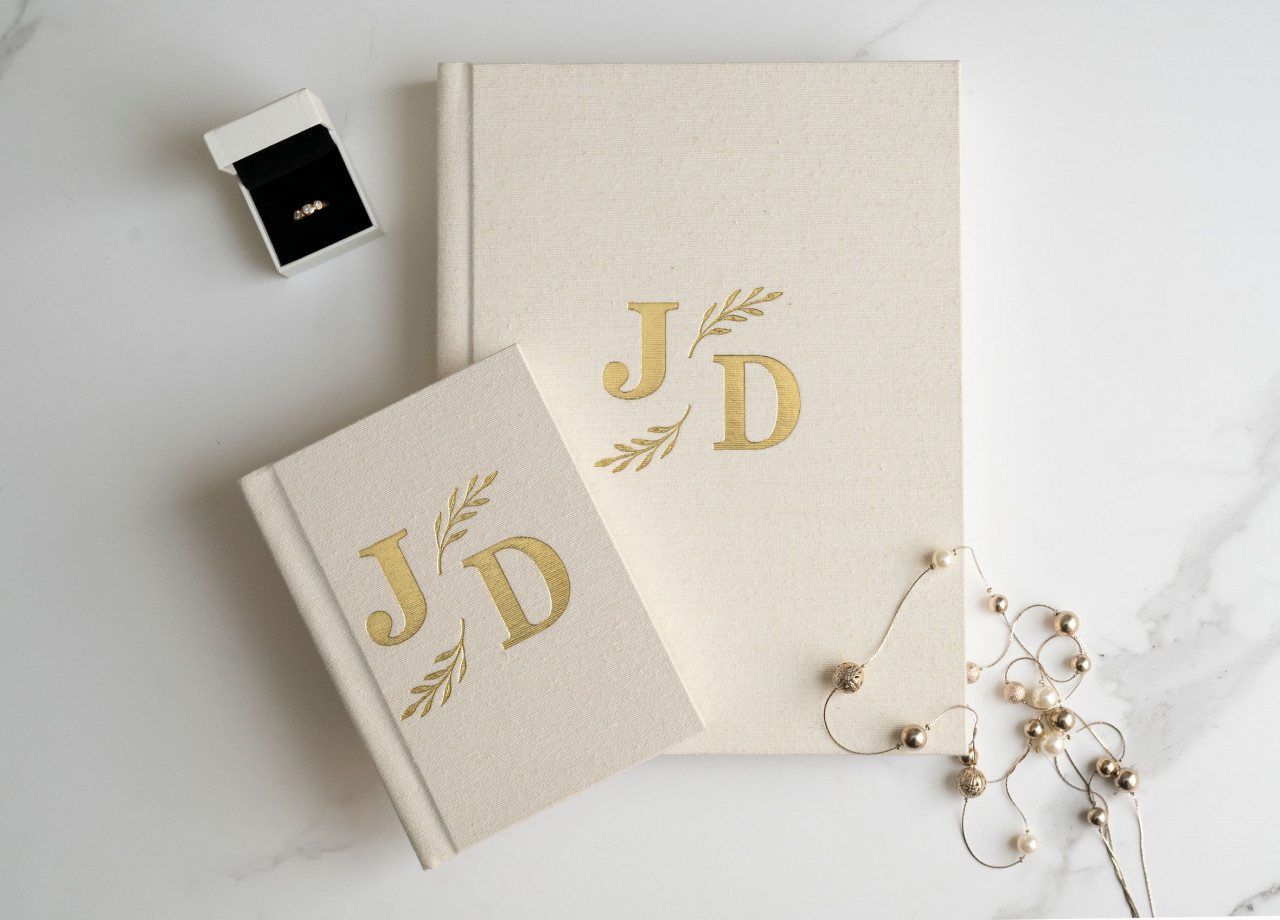
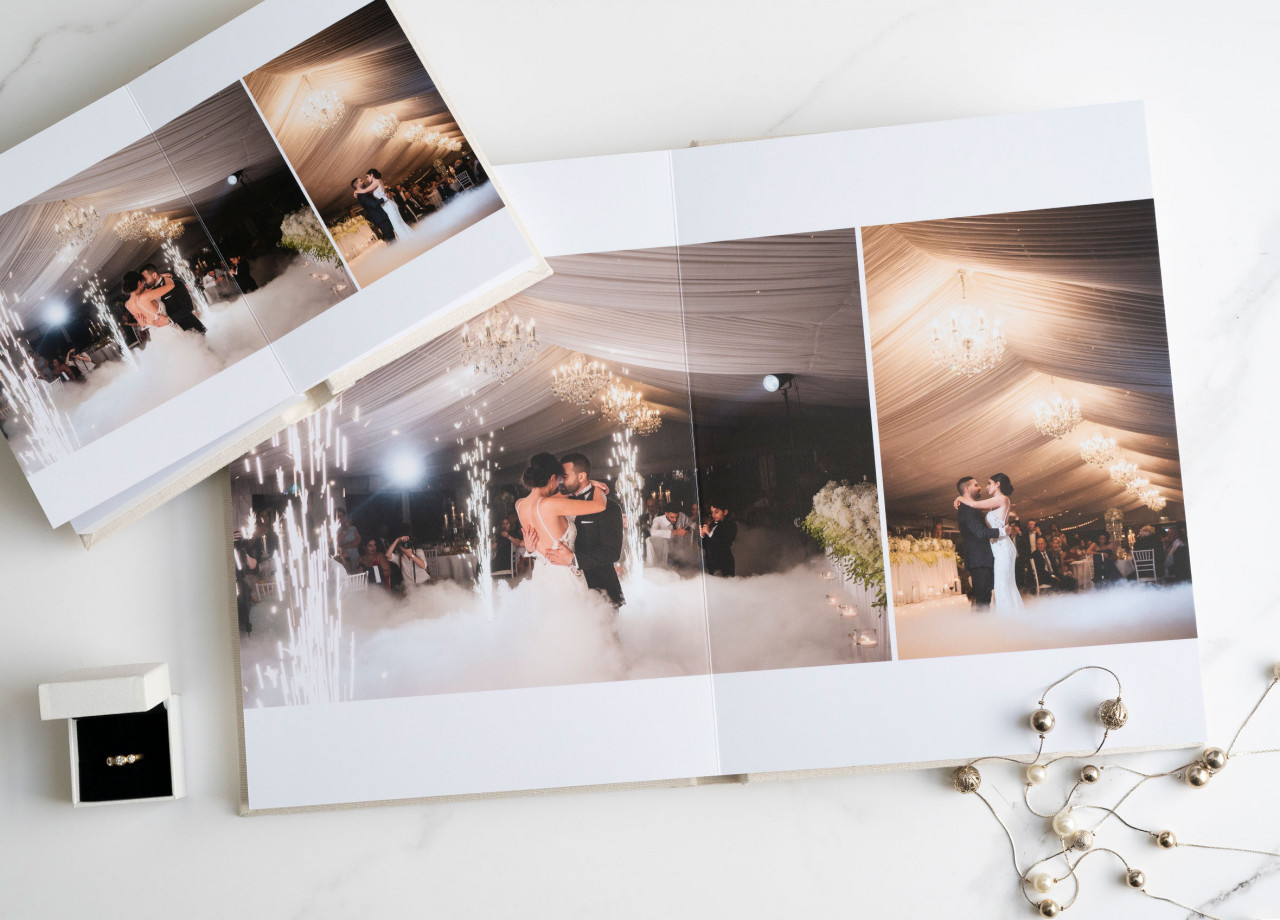
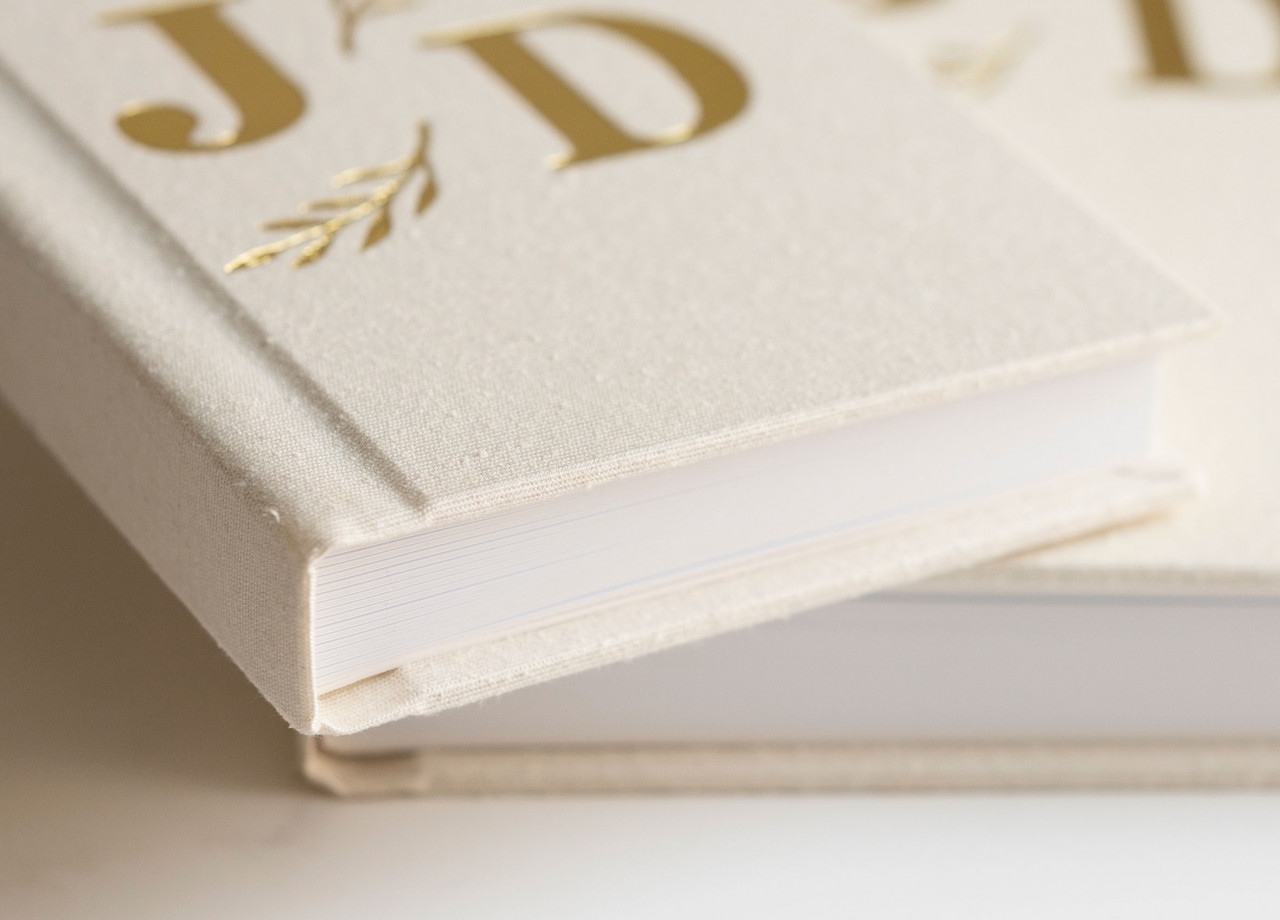
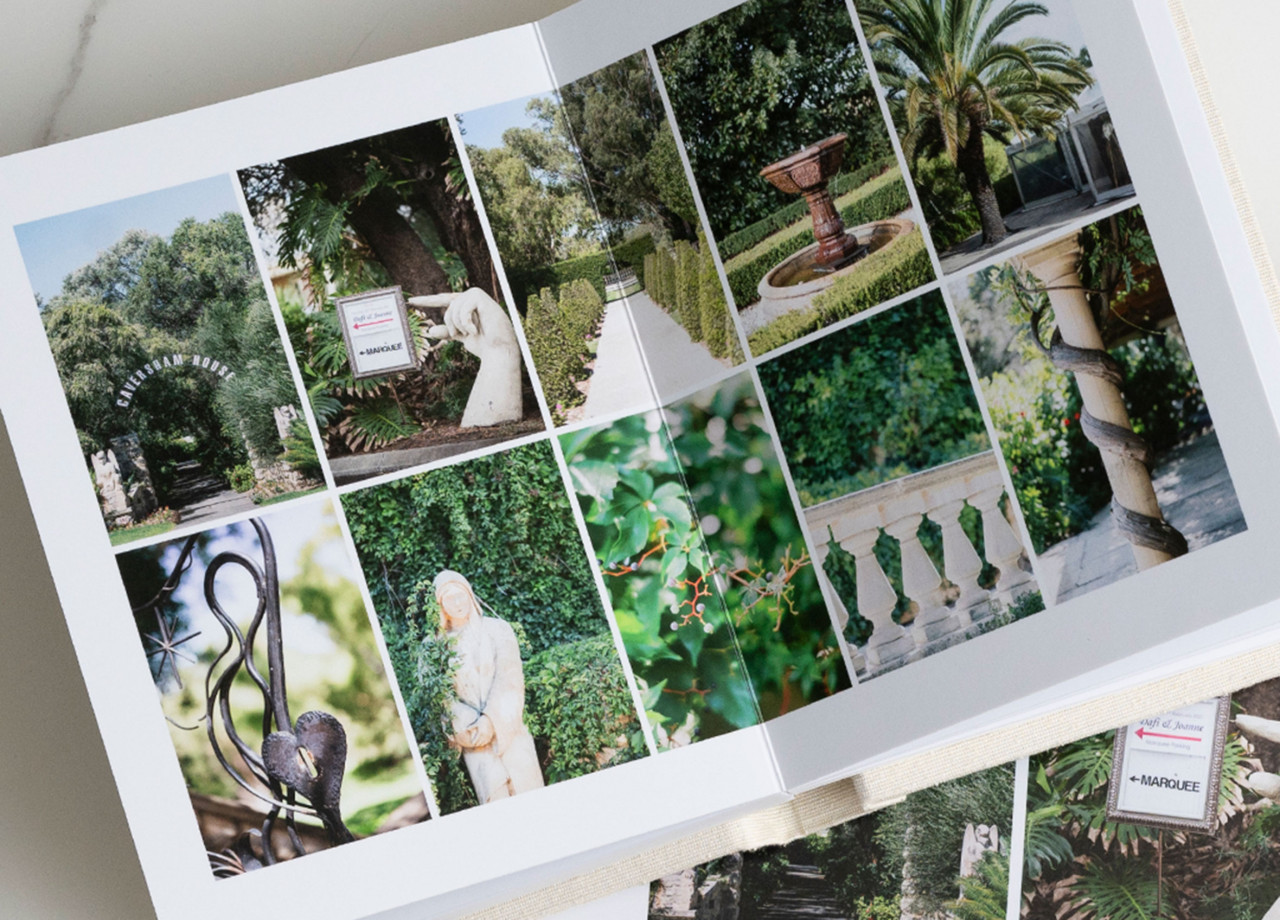
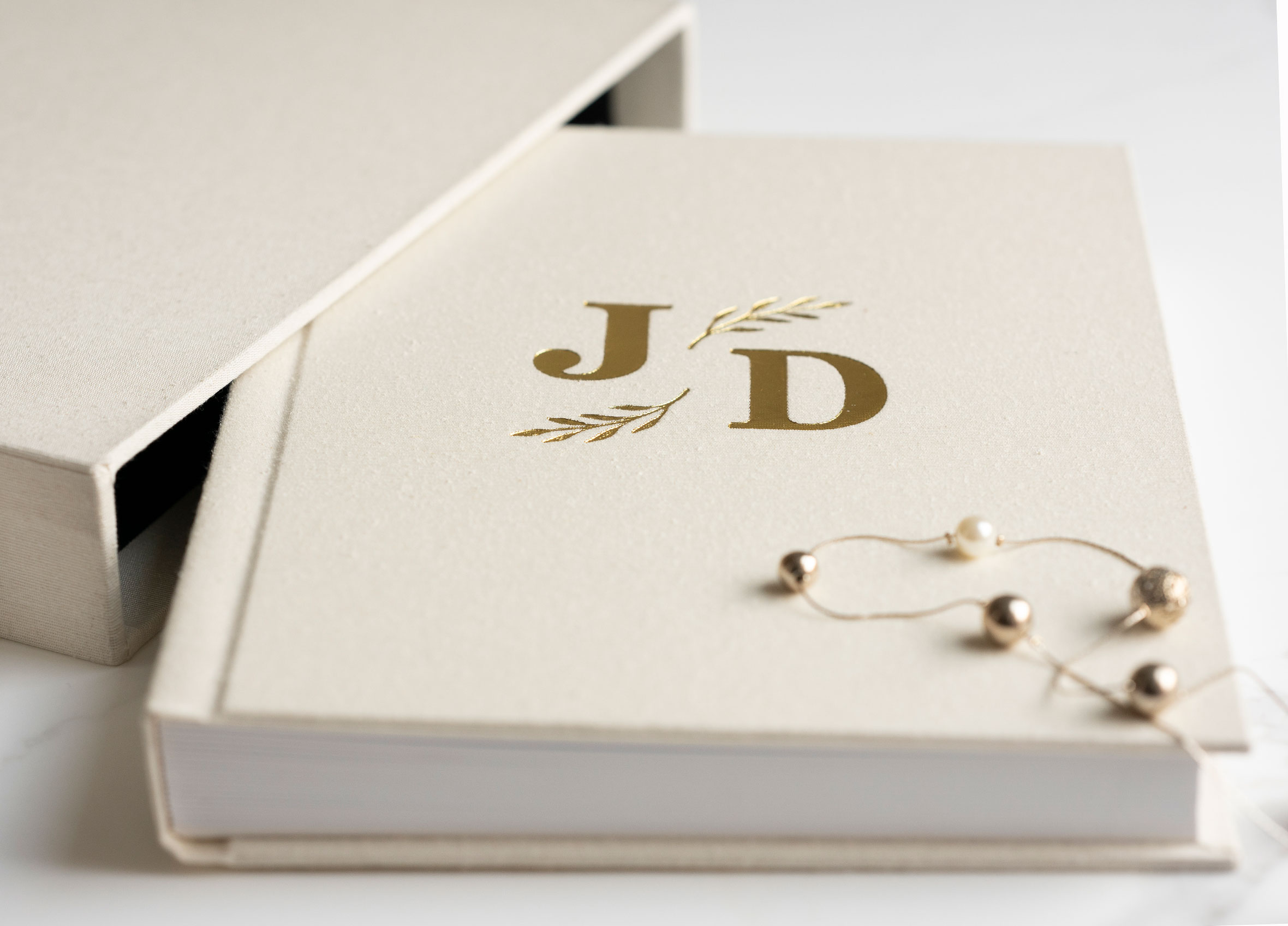
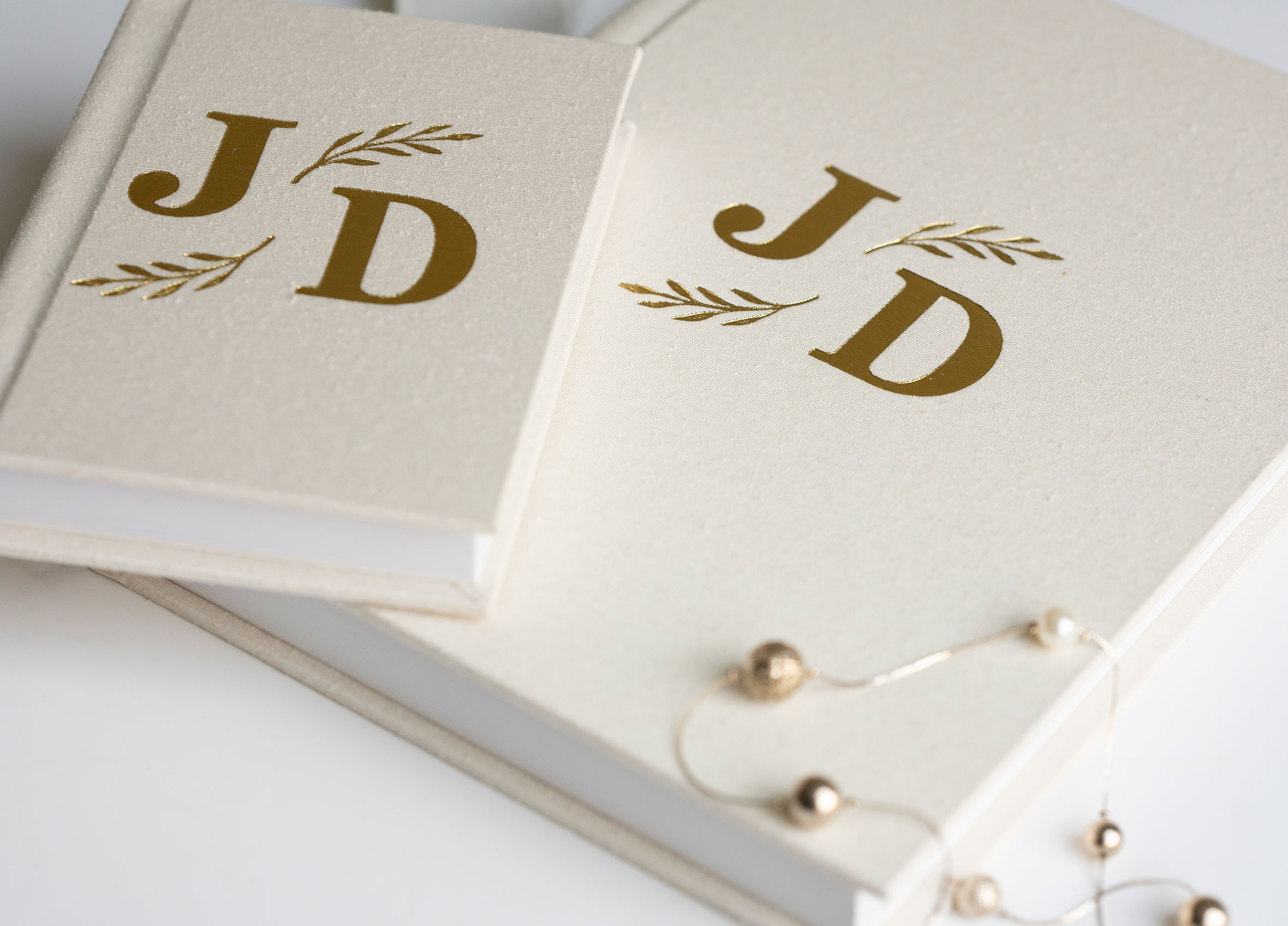
- About
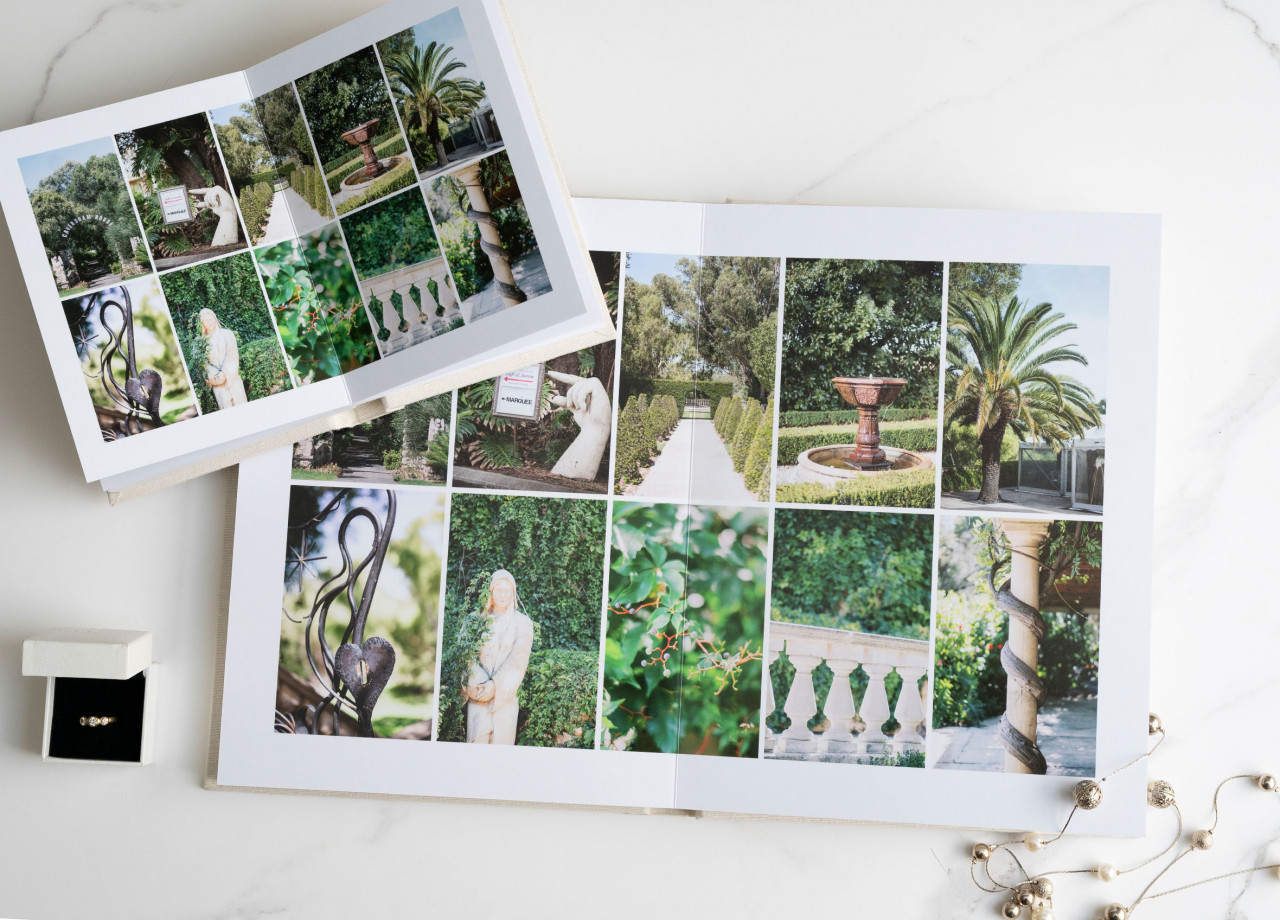
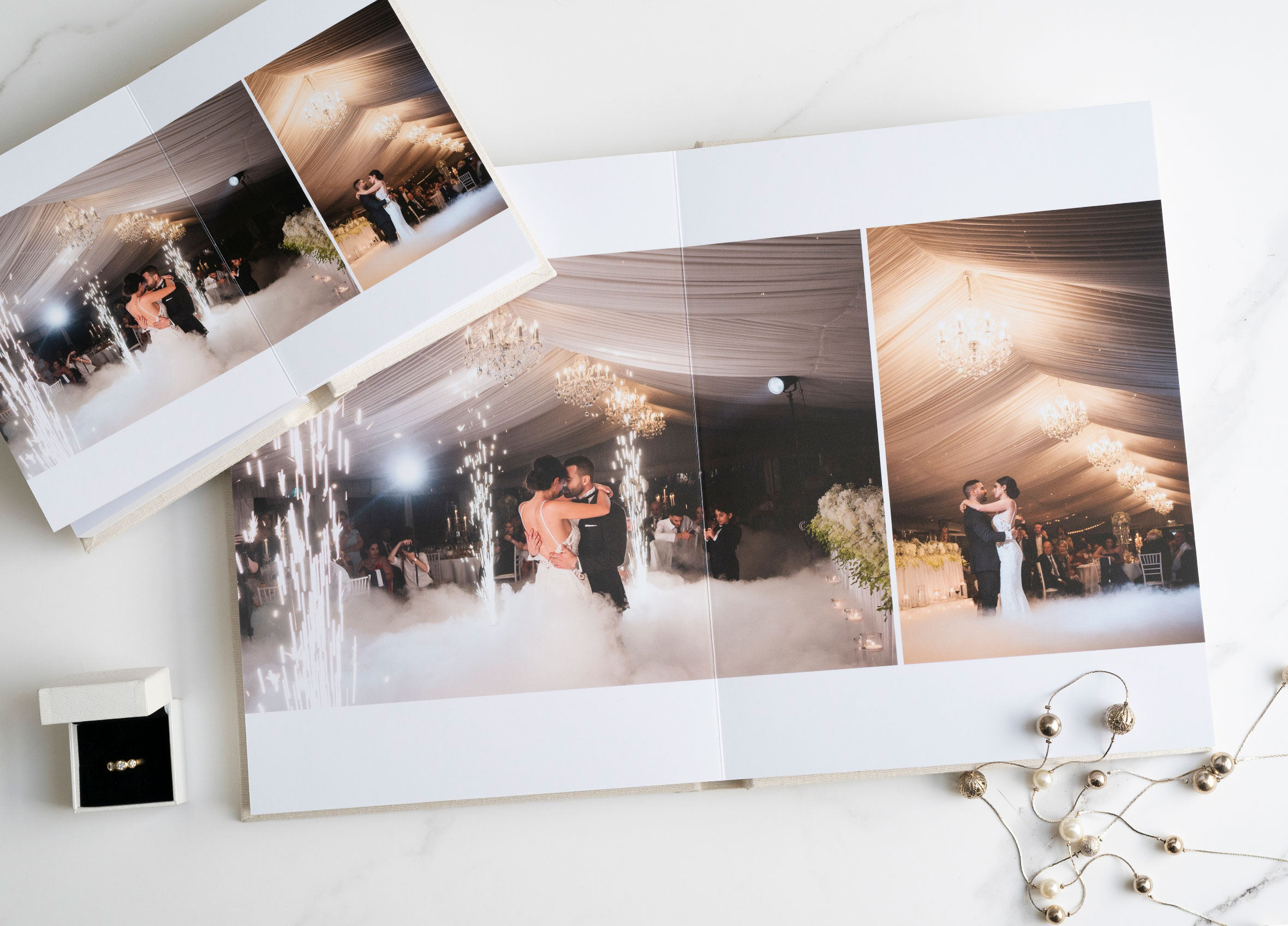
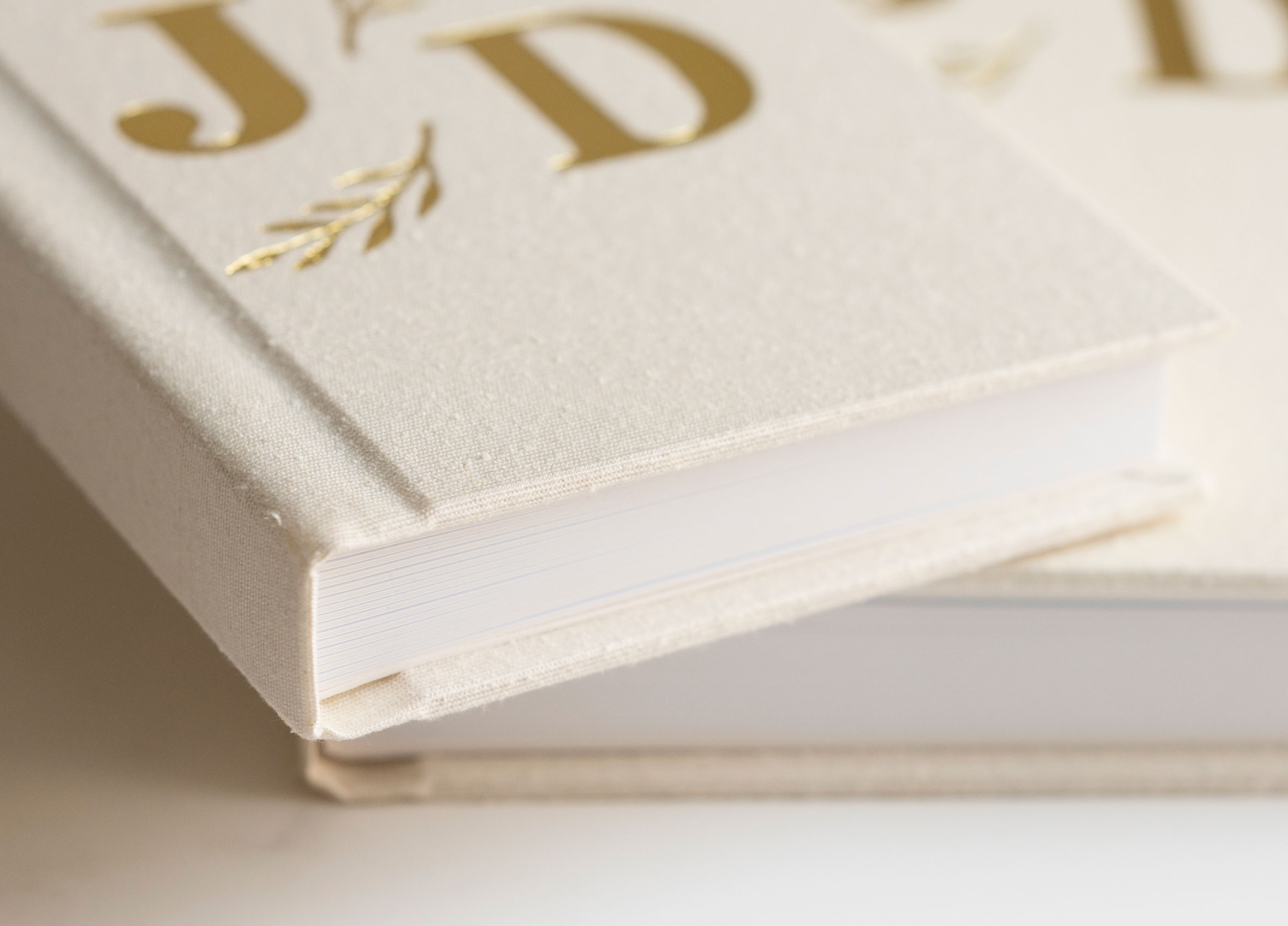
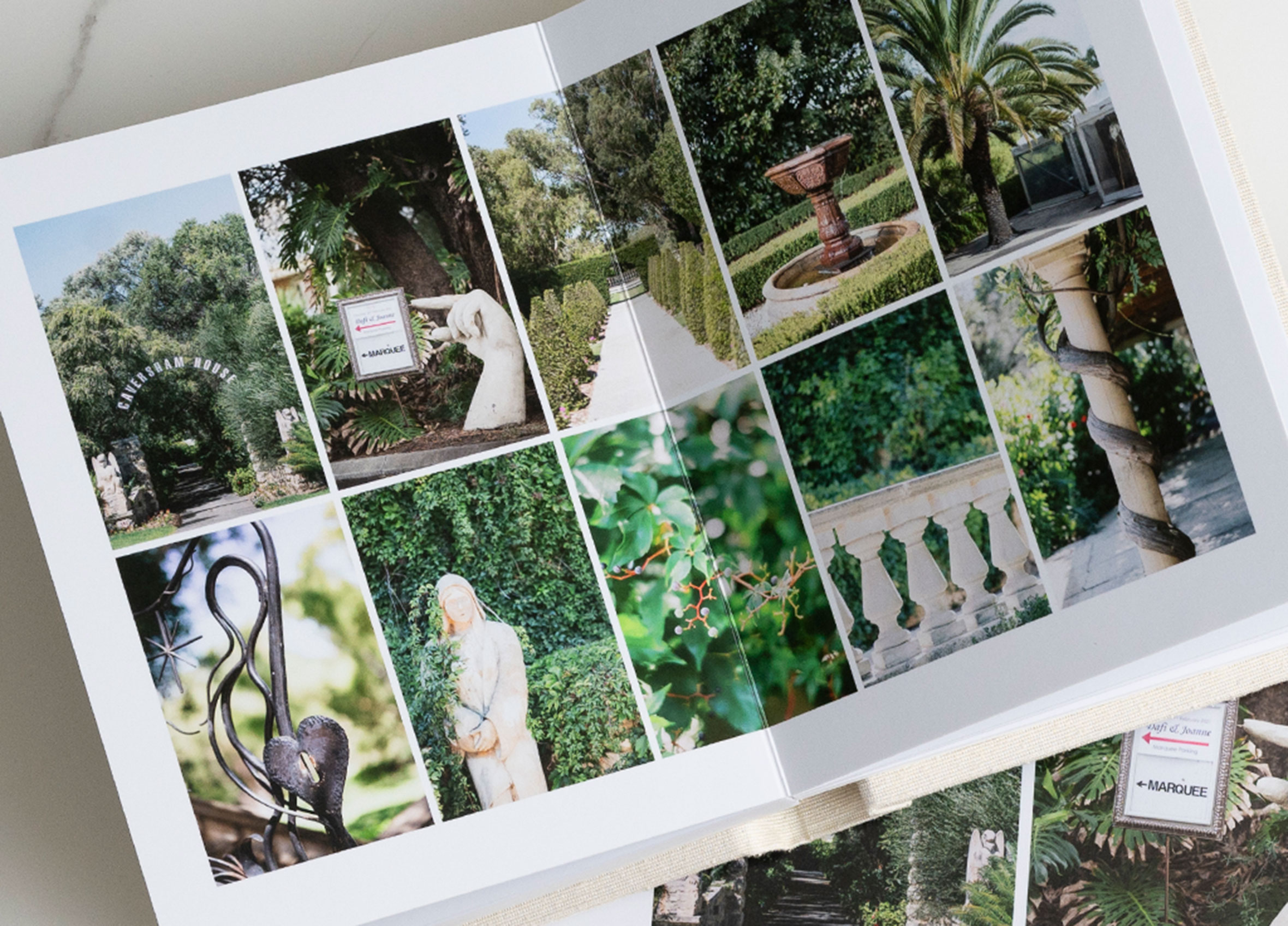
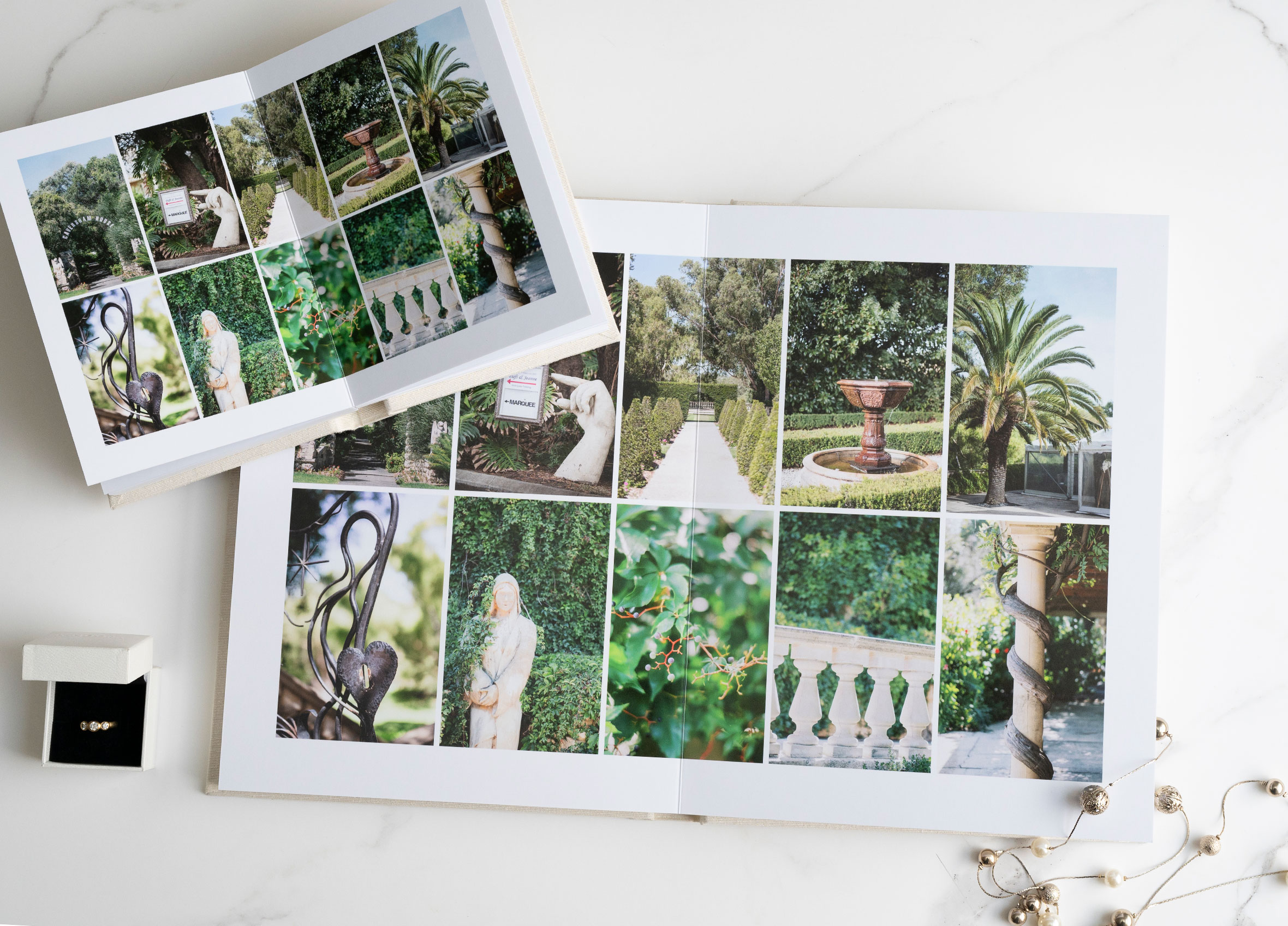
- Handcrafted in Melbourne with beautiful layflat pages
- Printed on Seldex Signature Fine Art Matte paper
- Choose from our extensive range of cover materials, colours and designs
- Includes a presentation box, white gloves, album care card and certificate of authenticity
- Arrives professionally printed, bound and ready for your client to collect
- Allow approximately 10–15 business days for production
FREE ALBUM DESIGN SOFTWAREDesign your album with Seldex Design Solution (SDS) – our FREE album design software created specifically for Seldex products.
Start with a blank design and create your album completely your way, or use our built-in layouts to make designing faster and easier. SDS gives you the flexibility to customise your pages, arrange your images and prepare your album files ready for production.
Learn more about SDS (Seldex Design Solution)
New to Seldex? We highly recommend ordering your free test prints so you can check colour and print quality before placing your album order.
Looking to create a sample for your studio? Click the STUDIO SAMPLE tab above for information on our discounted studio sample albums.
COMPANION ALBUMS
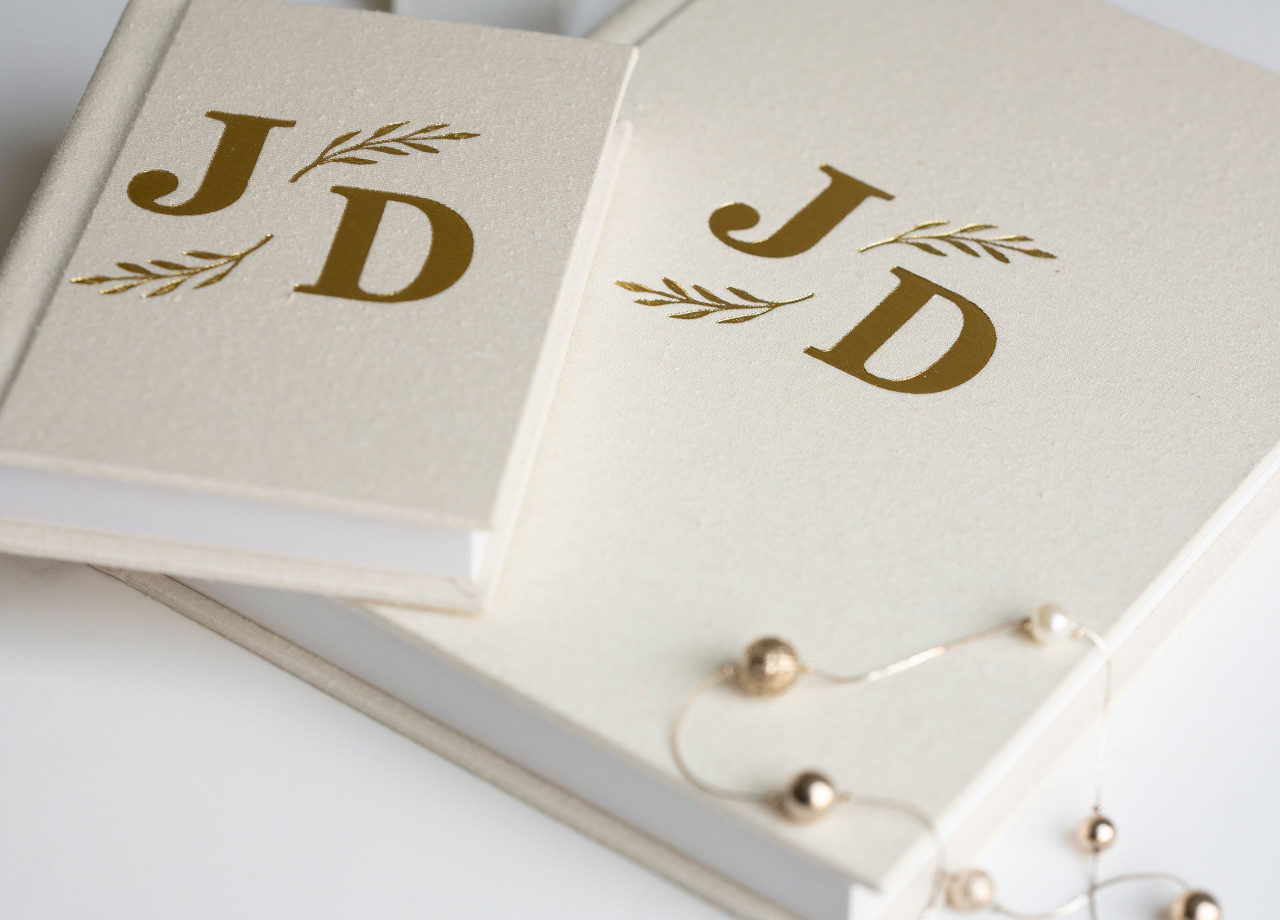
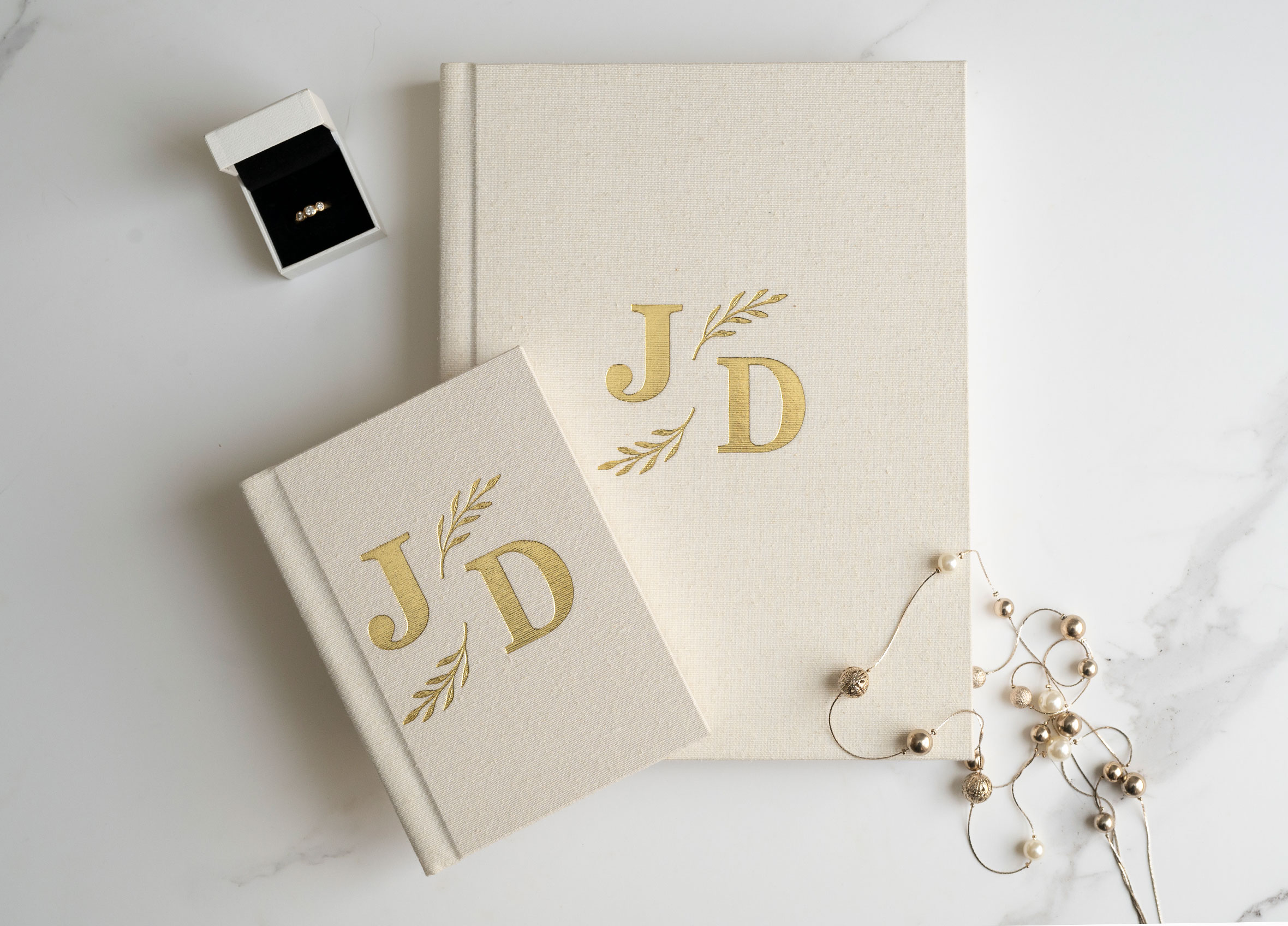
Create matching Companion Albums for parents or family members with one easy addition to your order.
- Companion Albums are 7×5.25" and feature the same page layouts and cover material as your main album. Layout or cover changes cannot be made.
- Cover and material upgrades including Acrylic Covers, Photo Montage, Vellum Papers and Custom Linings are not replicated on Companion Albums.
- Image Wrap covers will be replicated on the Companion Album.
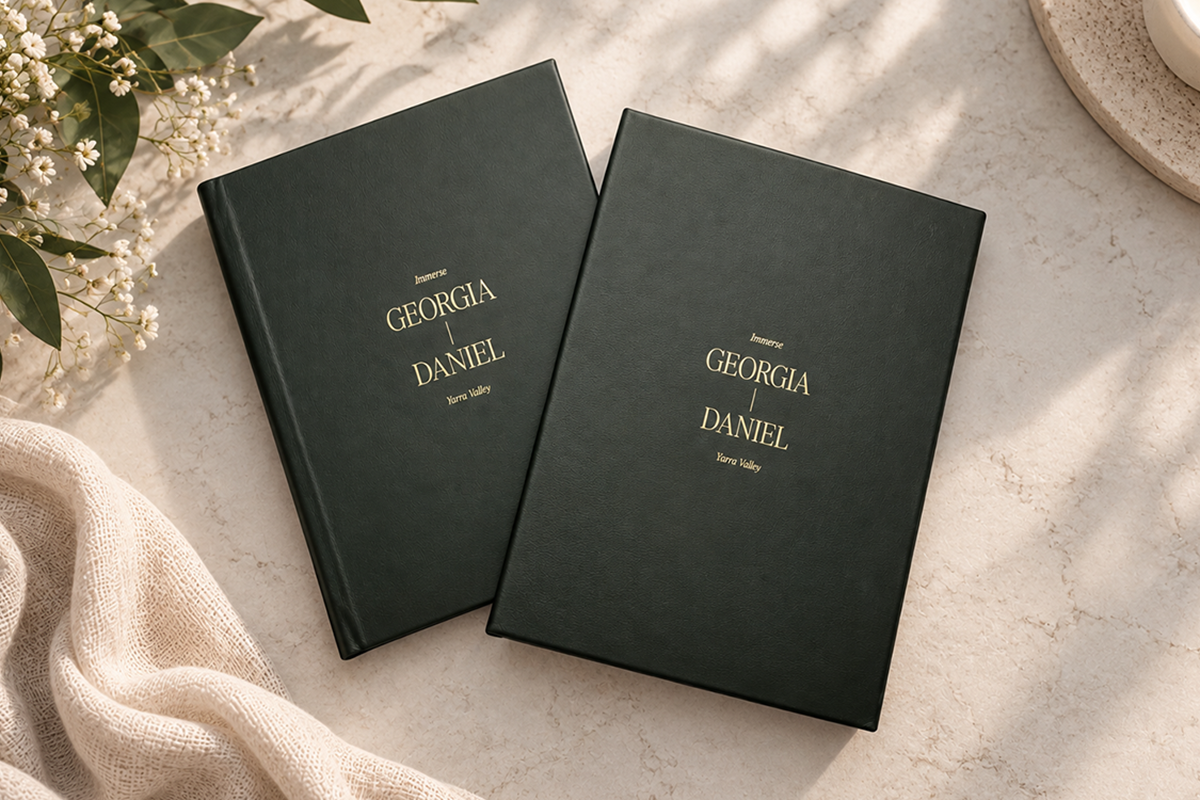
- Embossing can be added to your Companion Album when embossing has also been ordered on the main album.
- If your main album features Custom Embossing, the artwork must be suitable for either the 4×2" or 4×4" Custom Embossing size to fit the Companion Album.
- You can order up to 4 Companion Albums with your main album.
- Album Design
Creating your Seldex album is now easier than ever with Seldex Design Solution (SDS) – our FREE album design software.
SDS gives you complete creative freedom to design your album your way. Design your spreads from scratch or use one of our ready-made templates to get started quickly. Easily add and arrange your images, customise your layouts and create everything from clean, simple spreads to completely bespoke designs.
With Seldex album sizes built into SDS, your layouts are set up to the correct dimensions and can be exported ready for production.
Learn more about SDS and getting started
New to printing with Seldex?If you haven't printed with Seldex before, we highly recommend ordering free test prints before placing your first album order. This allows you to check how your images reproduce on our papers and ensure you're happy with the colour and print quality before your album goes into production.
Prefer another design option?You don't have to use SDS to create your album. You can also use our professional album design service and let our team design the album for you, or prepare your layouts using other album design software.
For more information about our album design service and other design software options, visit our Album Design page.
Supplying your own album files?If you're not using SDS and are preparing your album files using other software, please follow the information below to ensure your files are set up correctly for printing.
File preparation
Before uploading your files, please read the album section on our File Preparation page. This contains important information on correctly preparing your album files for printing.
File upload specifications
Please supply your finished album files to the following specifications:
Files: Double-page spreads
File format: JPEG
Colour space: Adobe RGB (1998) or sRGB
Resolution: 300 dpiIMPORTANT – File naming
Your album layouts must be named in the correct sequence to ensure they are mounted in the correct order.
Please number your spreads sequentially, for example: 001, 002, 003, 004.
Most album design programs will export your files with the correct file names, but we recommend checking them before uploading.
Please do not add additional characters or symbols to your file names.
- Cover options
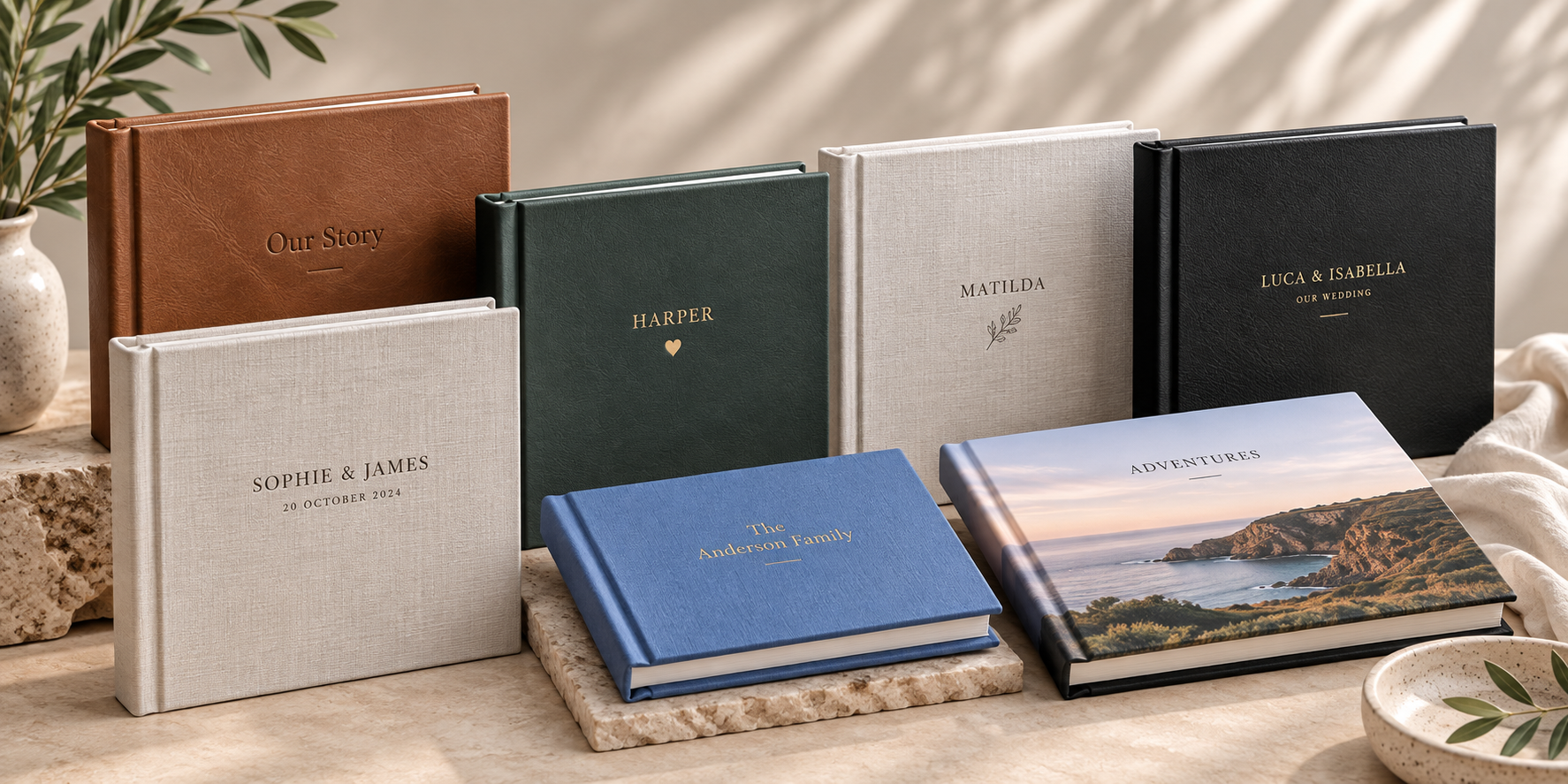
Make your album uniquely yours with your choice of cover material, colour and personalisation. From classic leathers and linens to velvet, image wraps and contemporary finishes, there are plenty of options to create a cover that suits your style.
Choose your cover material
Select from our extensive range of materials and colours:
- Premium Leather
- Classic Leathers
- Velvet
- Image Wrap – Silk or Canvas
- Asahi
- Leatherette
- Linen
- Buckram
View Cover Material Colour SwatchesPersonalise your cover
Keep it beautifully simple or add a personalised finishing touch. Choose from:
- Plain cover
- Standard Embossing
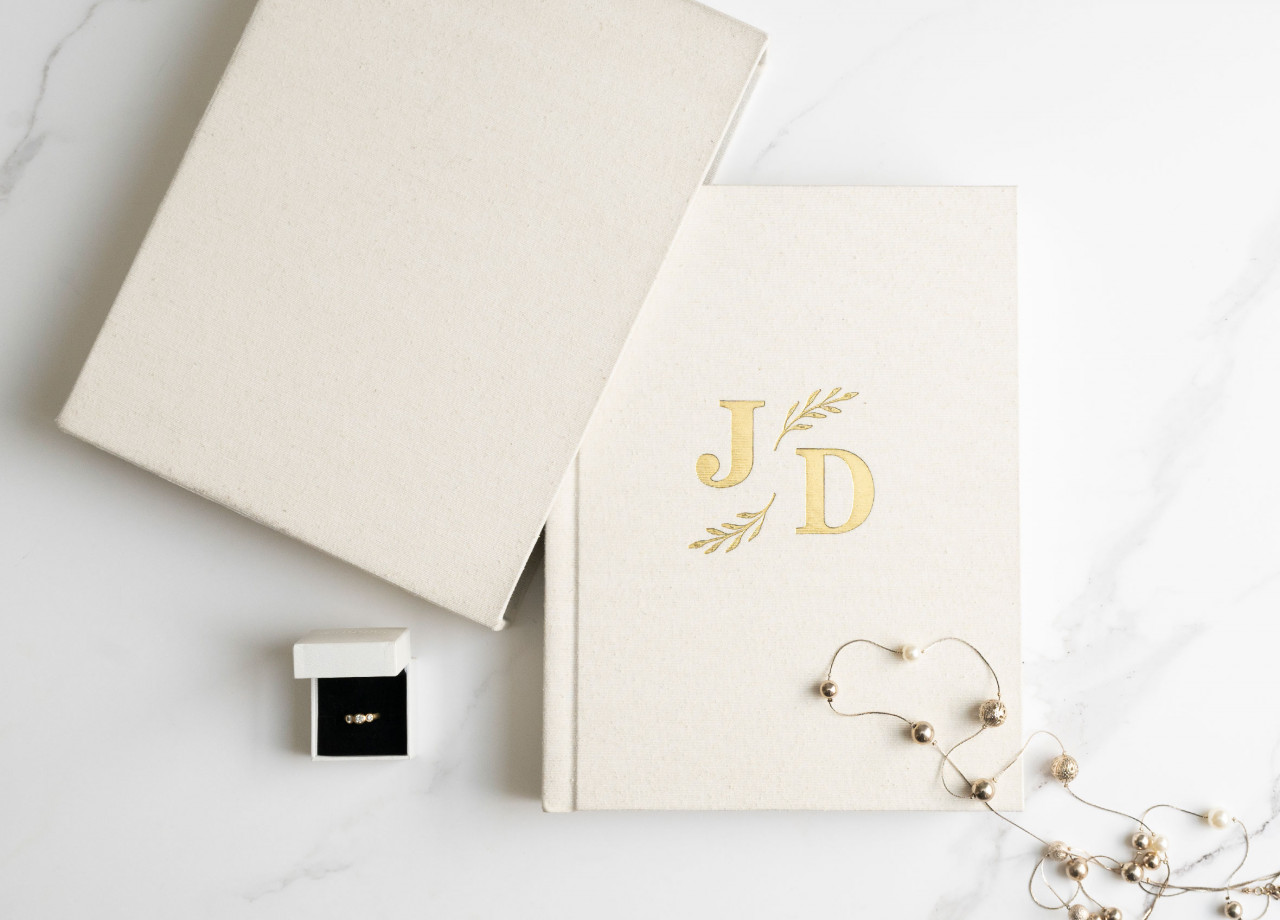
- Custom Embossing
- Seldex Motif Embossing
- Acrylic Montage
- Photo Montage
EMBOSSING
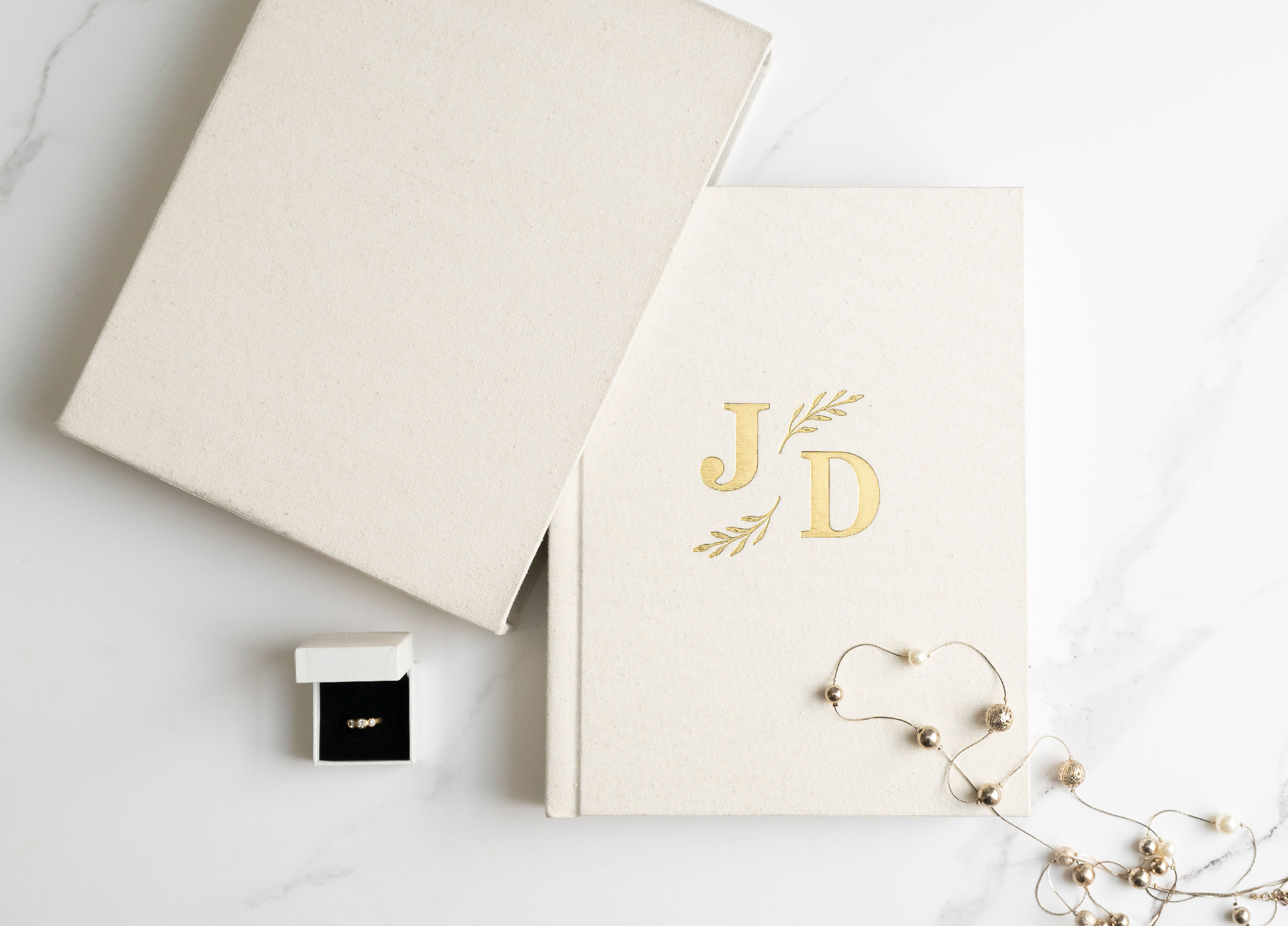
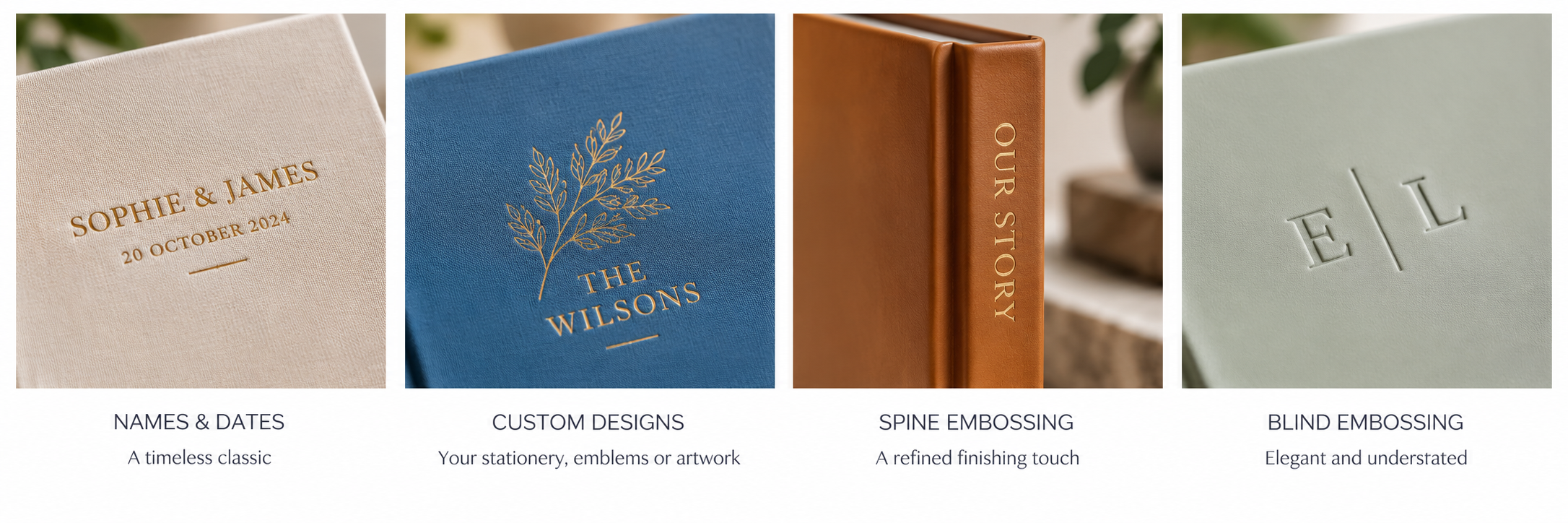
Embossing is one of our most popular cover upgrades – a beautiful way to personalise your album and make it truly unique.
Add names, a date or other wording using our range of embossing styles and foil colours, or get creative with a custom design. Our Custom Embossing option allows you to incorporate meaningful details such as:
- Your wedding stationery font or design
- Family emblems or monograms
- Business or venue logos
- Bespoke artwork or illustrations
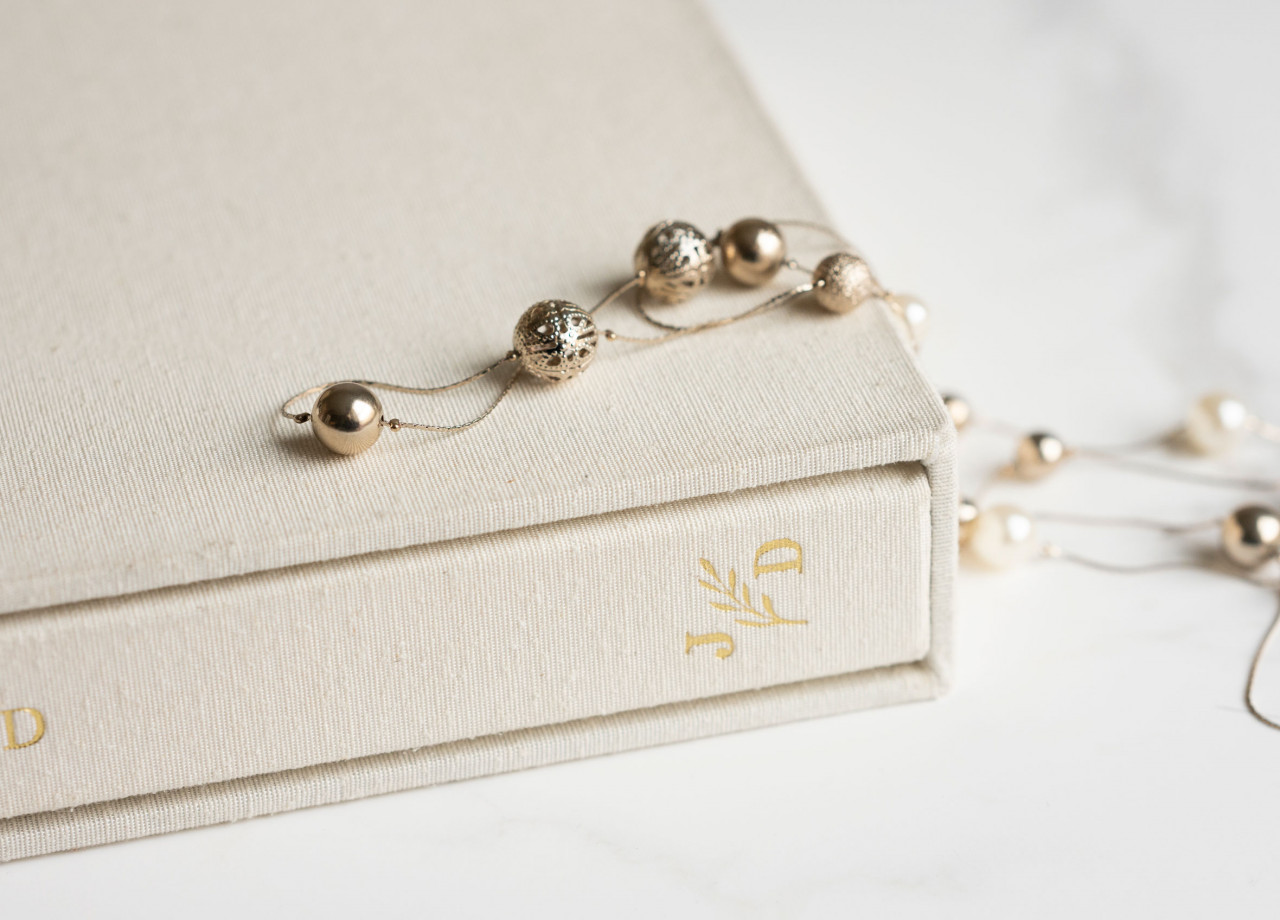
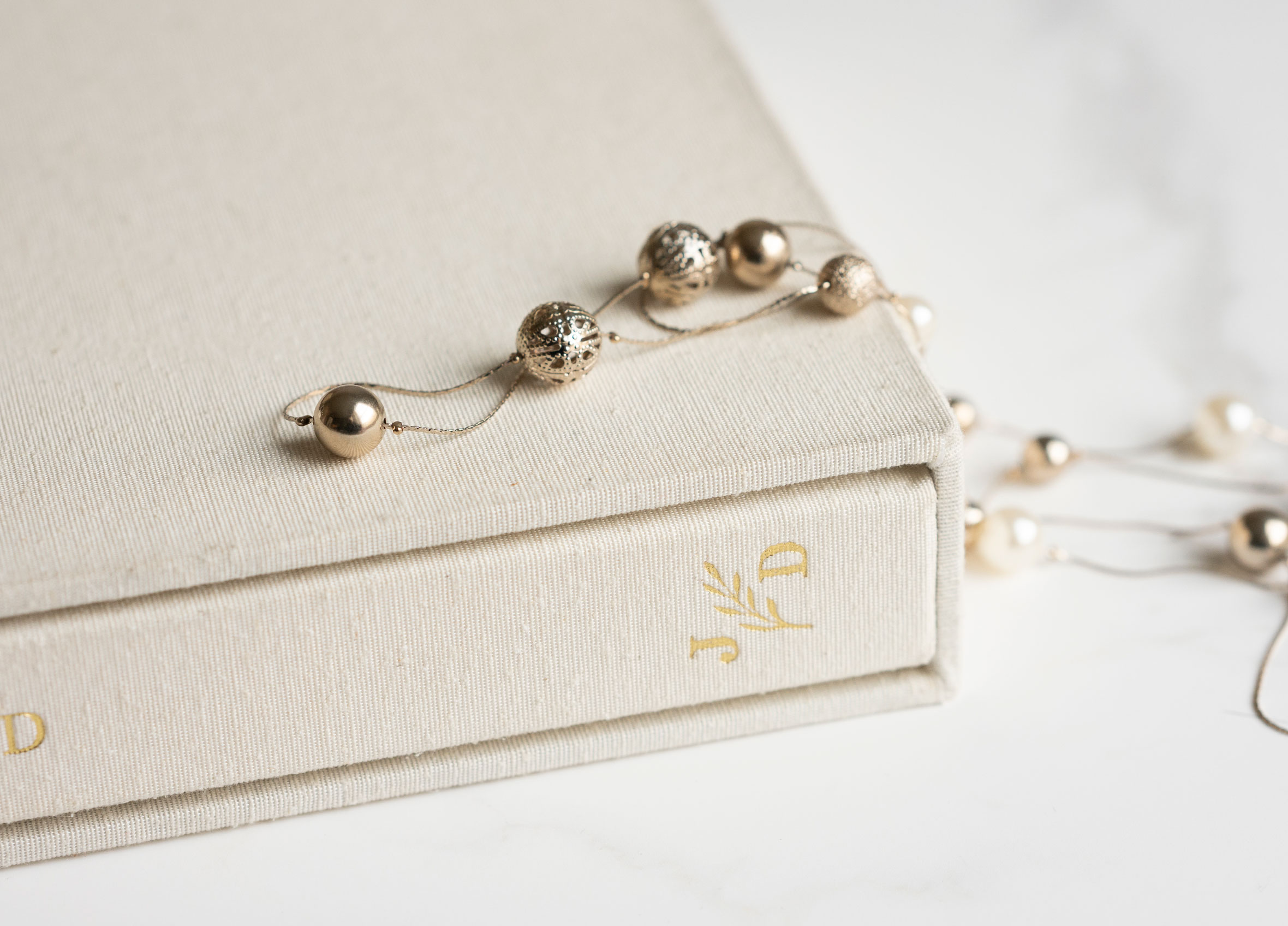
You can also choose to emboss on the album spine for an elegant, editorial finish.
Need help with your design?
Our team is always here to help. Whether you're working on a custom design, need advice on font options or have questions about artwork setup, please get in touch – we're happy to help.
Templates for Image Wrap covers, Custom Embossing, Acrylic Montage and Photo Montage can be found under the TEMPLATES tab above.- Options
Album linings
Complete your album with your choice of lining colour:
- Black
- White
- Printed linings
- Handmade paper linings
Vellum title pages
Add a beautiful finishing touch to your album with a personalised vellum title page.
You can choose to:
- Create your own custom vellum title page for your client
- Choose from one of our three Seldex vellum page designs
View Vellum Title Page Options
Studio logo embossing
Add your studio logo to your album with custom embossing for a professional, branded finish.
If this is your first time having your studio logo embossed, please submit your logo using our Studio Embossing Die option. There is a one-off cost to create your custom embossing die, which can then be used for future orders.
Prefer to avoid the embossing surcharge?
You can add your full-colour studio logo to the first or last double-page spread of your album design instead, at no additional embossing cost.- Packaging
Every Seldex album includes beautiful presentation packaging at no extra cost. Choose from either our Black Presentation Box with black wrap or our Earth Presentation Box with handmade paper wrap, both designed to protect and beautifully present your finished album.
Upgrade to a matching Slipcase
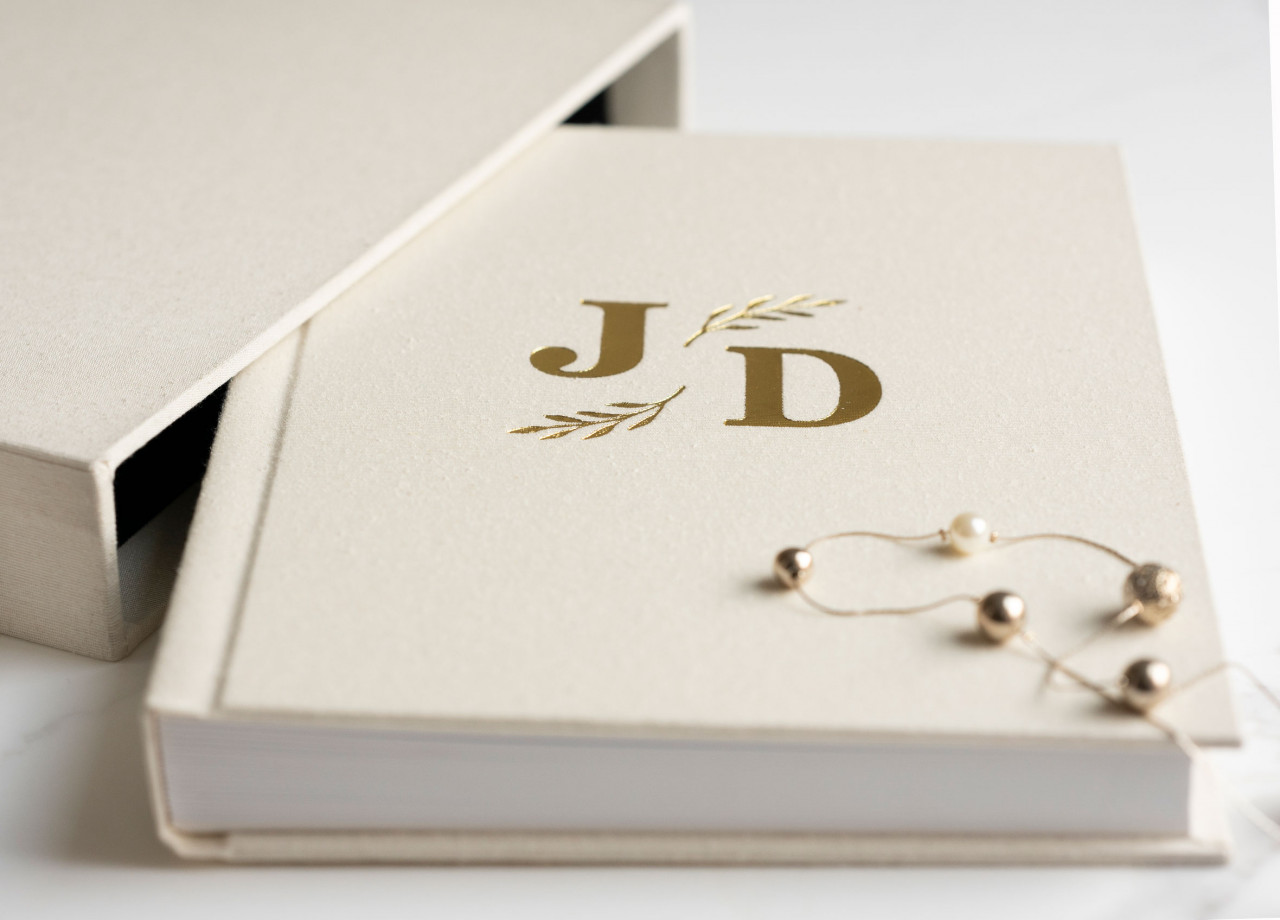
For an extra special finish, upgrade to one of our handcrafted Slipcases – one of our most popular album upgrades.
Choose the same cover material and colour as your album for a beautifully coordinated look, or select a different colour to create a complementary contrast. Your Slipcase provides an elegant finishing touch while also offering added protection for your album.
More Packaging Options
Looking for something different? We also offer a selection of upgraded presentation options, including:
- Black Presentation Box with cloth envelope
- Black Presentation Box with boudoir satin wrap
- Earth Presentation Box with cloth envelope
- Boutique Folio Box – with cloth or image cover
- Templates
Our Photoshop templates are available for specific album cover and personalisation options, including Custom Embossing, Image Wrap Covers, Acrylic Montages and Photo Montages.
If you're designing your album in Seldex Design Solution (SDS), you do not need to use these templates for your album spreads.
Custom Embossing Templates
Use these templates when supplying artwork for Custom Embossing. Before preparing your file, please read our Custom Embossing information for file specifications, artwork setup and embossing guidelines.
Select the template size you require below:
- 4x2" Custom Embossing Template
- 4x4 Custom Embossing Template
- 6x2 Custom Embossing Template
- 6x4 Custom Embossing Template
- 6x6 Custom Embossing Template
- 8x3 Custom Embossing Template
- 11x1 Custom Embossing Template
- 11x2 Custom Embossing Template
Download the complete set of Custom Embossing TemplatesAlbum Cover Templates
Album Cover Templates can be used to create Image Wrap Covers and covers featuring two custom embossing dies.
Before creating your cover, please refer to our Image Cover or Custom Embossing information for the relevant file setup requirements.
Select the template that matches the number of spreads in your album:
- 12x9 V Album Cover Template Matte 10 spreads.jpg
- 12x9 V Album Cover Template Matte 11-20 spreads.jpg
- 12x9 V Album Cover Template Matte 21-30 spreads.jpg
- 12x9 V Album Cover Template Matte 31-40 spreads.jpg
- 12x9 V Album cover Template Matte 41-45 spreads.jpg
- 12x9 H Album Cover Template Matte 10 spreads.jpg
- 12x9 H Album Cover Template Matte 11-20 spreads.jpg
- 12x9 H Album Cover Template Matte 21-30 spreads.jpg
- 12x9 H Album Cover Template Matte 31-40 spreads.jpg
- 12x9 H Album Cover Template Matte 41-45 spreads.jpg
Acrylic Montage Template
Creating an Acrylic Montage cover? Please read our Acrylic Montage information for file specifications and setup instructions before preparing your artwork.
Photo Montage TemplateCreating a Photo Montage cover? Please read our Photo Montage information for file specifications and setup instructions before preparing your artwork.
- Studio samples
Show it. Share it. Sell it.
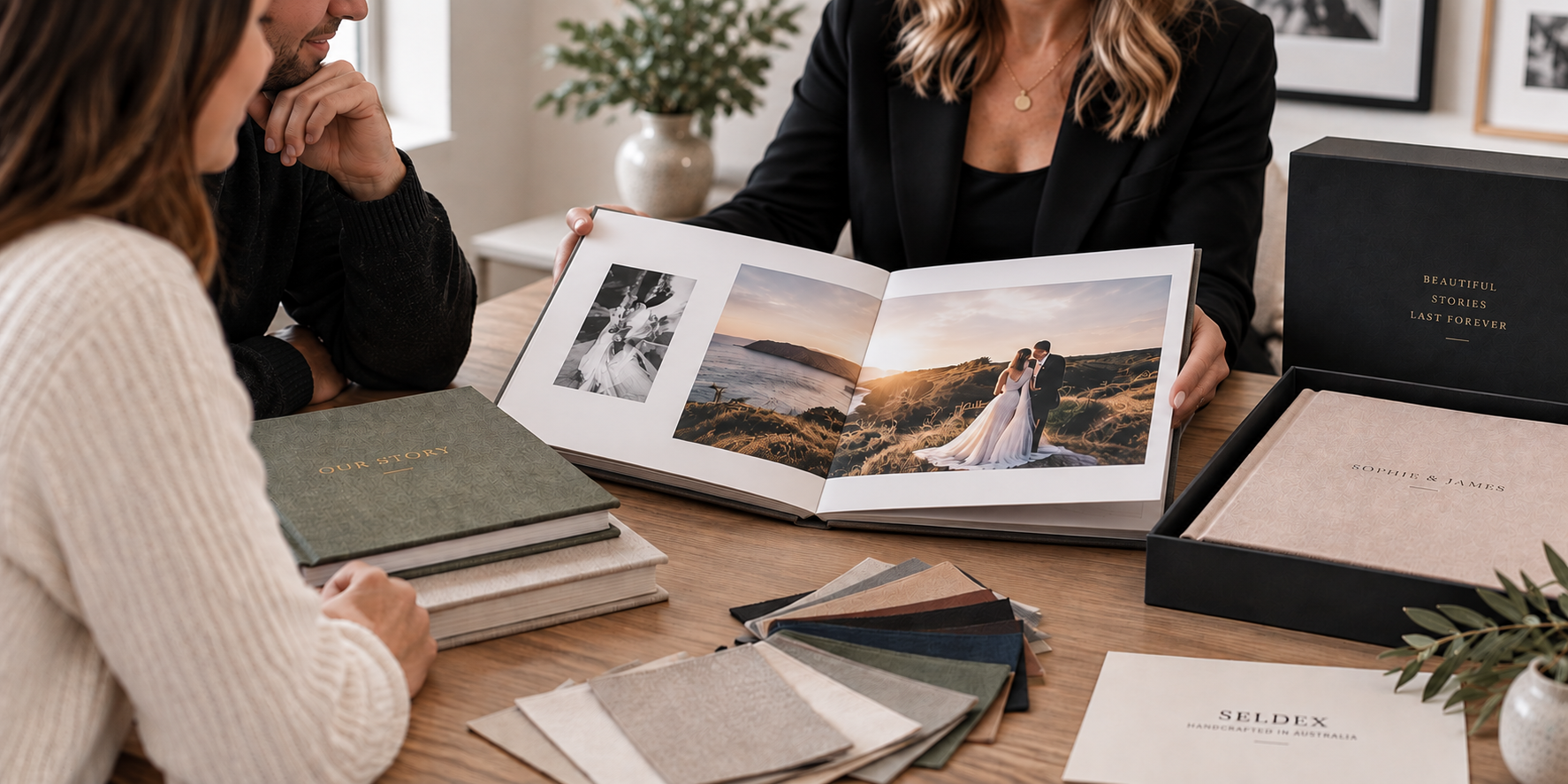
There’s nothing quite like seeing and holding a beautifully handcrafted Seldex album in person. A Studio Sample gives your clients the opportunity to experience the quality for themselves - from the feel of the cover materials and embossing to the weight of the pages and the quality of the finished print.
Having a sample in your studio or at client appointments makes it easier to showcase the value of a professionally printed album and helps your clients visualise what their own finished album could look like.
Save 30% on Studio Sample Albums
We want to make it easier for you to invest in products that help you grow your album sales, which is why Seldex photographers receive 30% OFF Studio Sample Albums.
Use your sample to showcase your photography, demonstrate different album options and give your clients something beautiful they can actually pick up, open and experience.
Studio Samples are also a great opportunity to showcase the options you'd most like your clients to purchase – consider including your favourite cover material, embossing, paper and packaging upgrades so clients can see exactly what makes them special.
Check out all our studio sample offers!
COMPLETE YOUR STUDIO WITH MATERIAL SWATCHESAlongside your Studio Sample, we highly recommend investing in material swatches so your clients can see and feel the full range of cover options available before choosing their album.
You can purchase our complete swatch collection in a personalised presentation box, or select individual collections such as Classic Leather, Linen and other material ranges to suit the albums you offer.
Having physical swatches in your studio makes it easier for clients to compare colours, textures and finishes in person, rather than relying on how materials appear on a screen.
Need help choosing your sample?Not sure which album, size, cover or options would work best for your studio? Our team is always here to help.
We can talk you through the different options and help you create a Studio Sample that best showcases your photography and the products you'd like to offer your clients.
Please contact us at any time - we're always happy to help.