Lite Books - matte: 8x10"
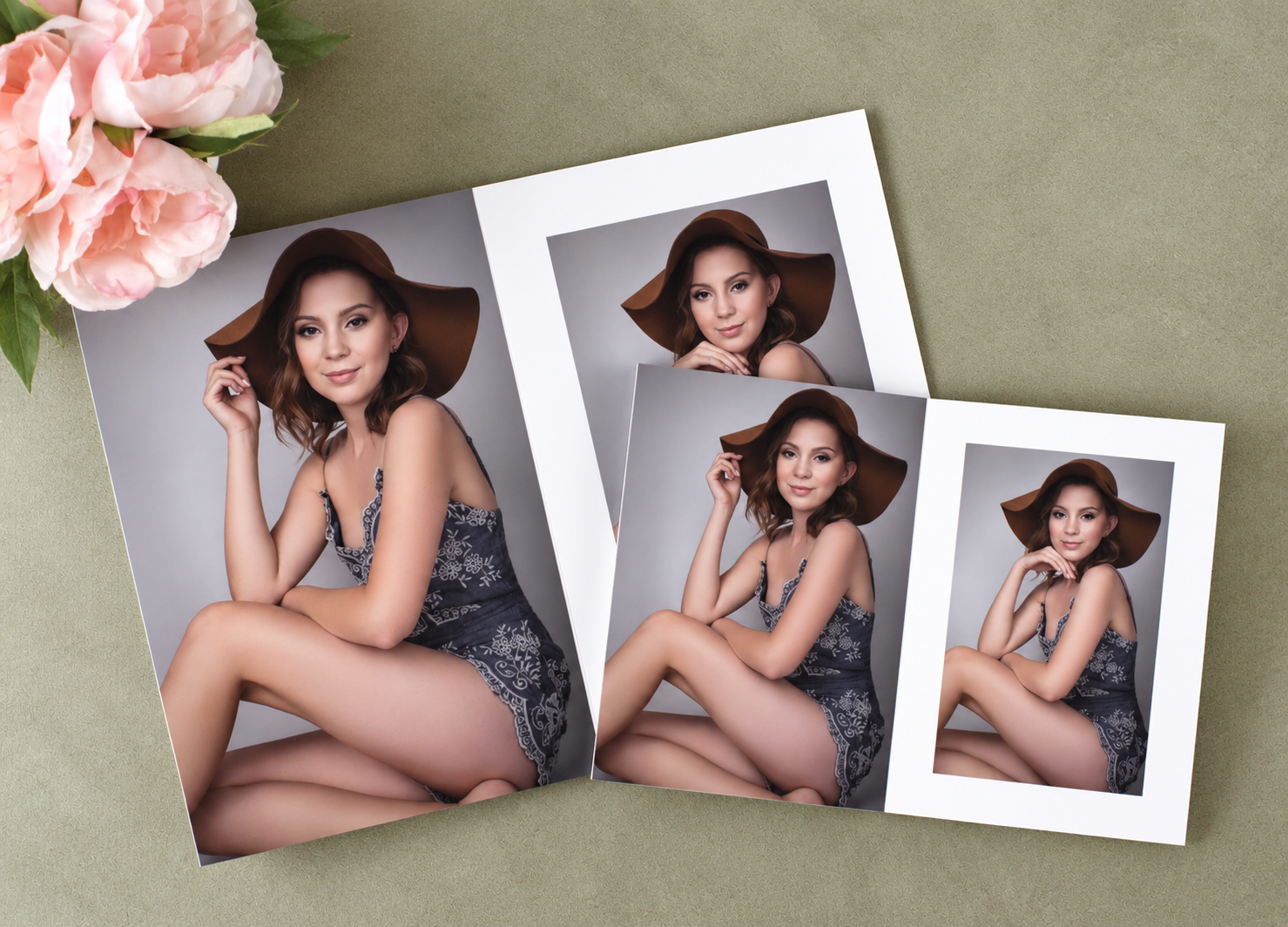
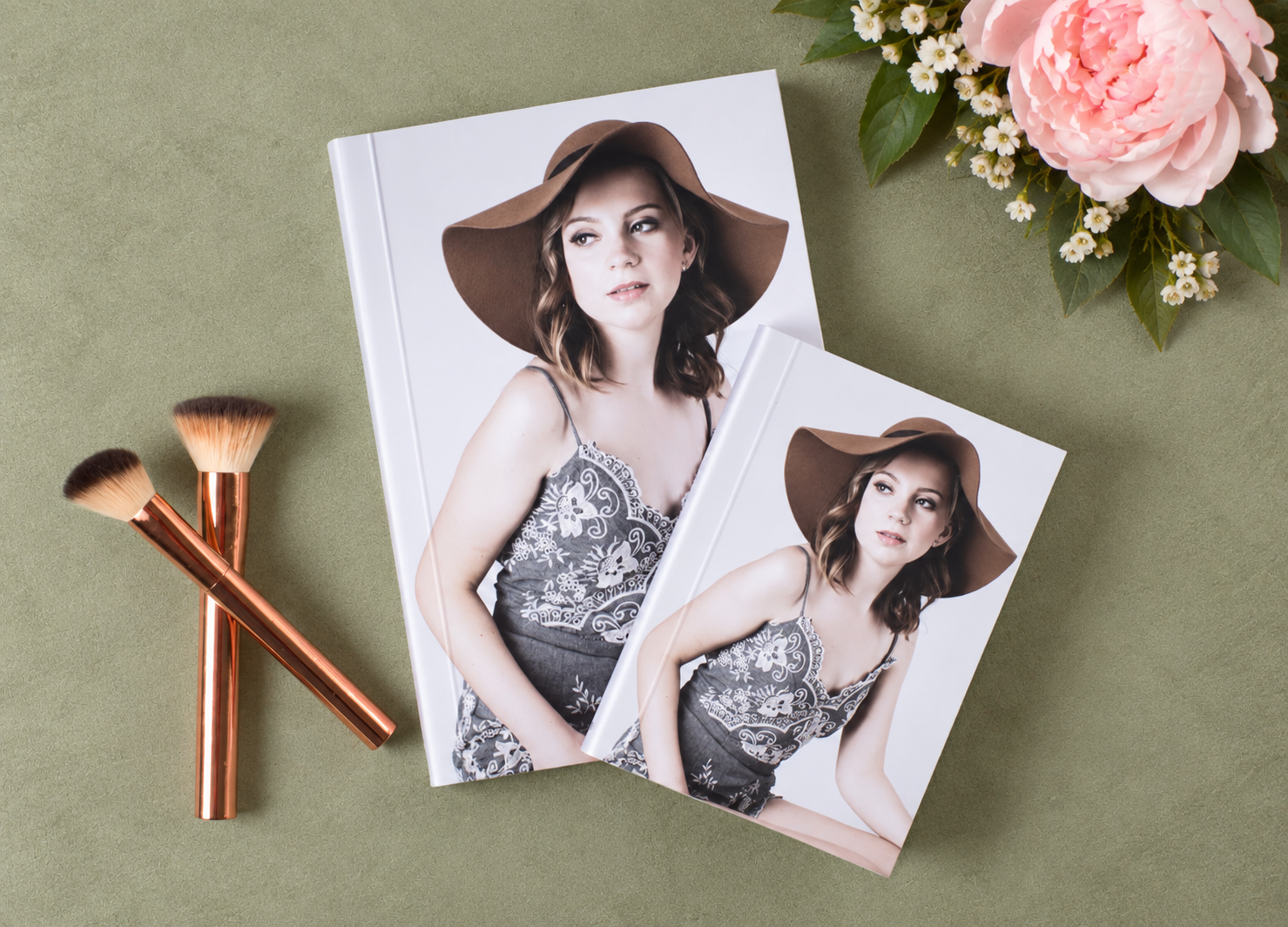
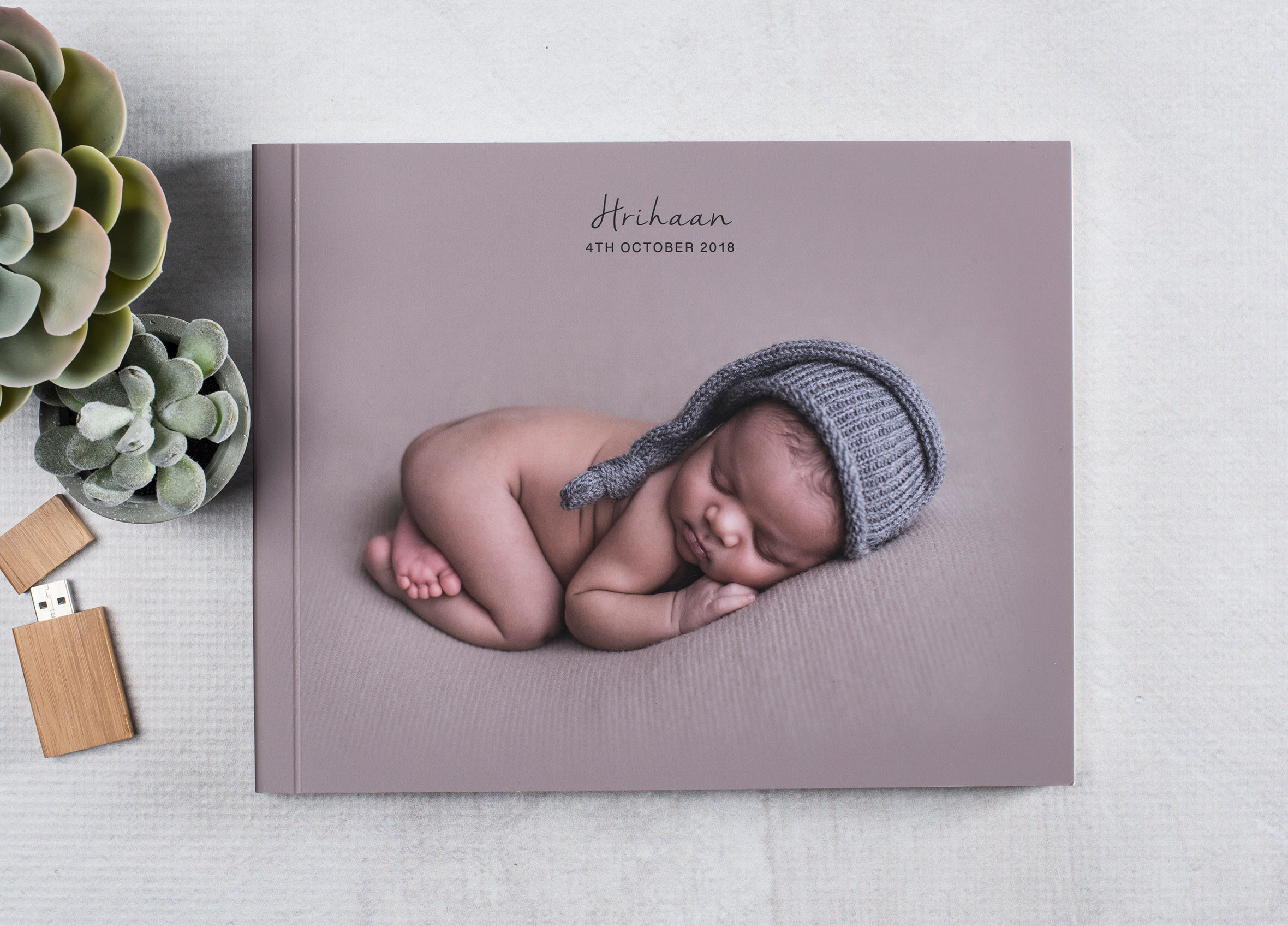
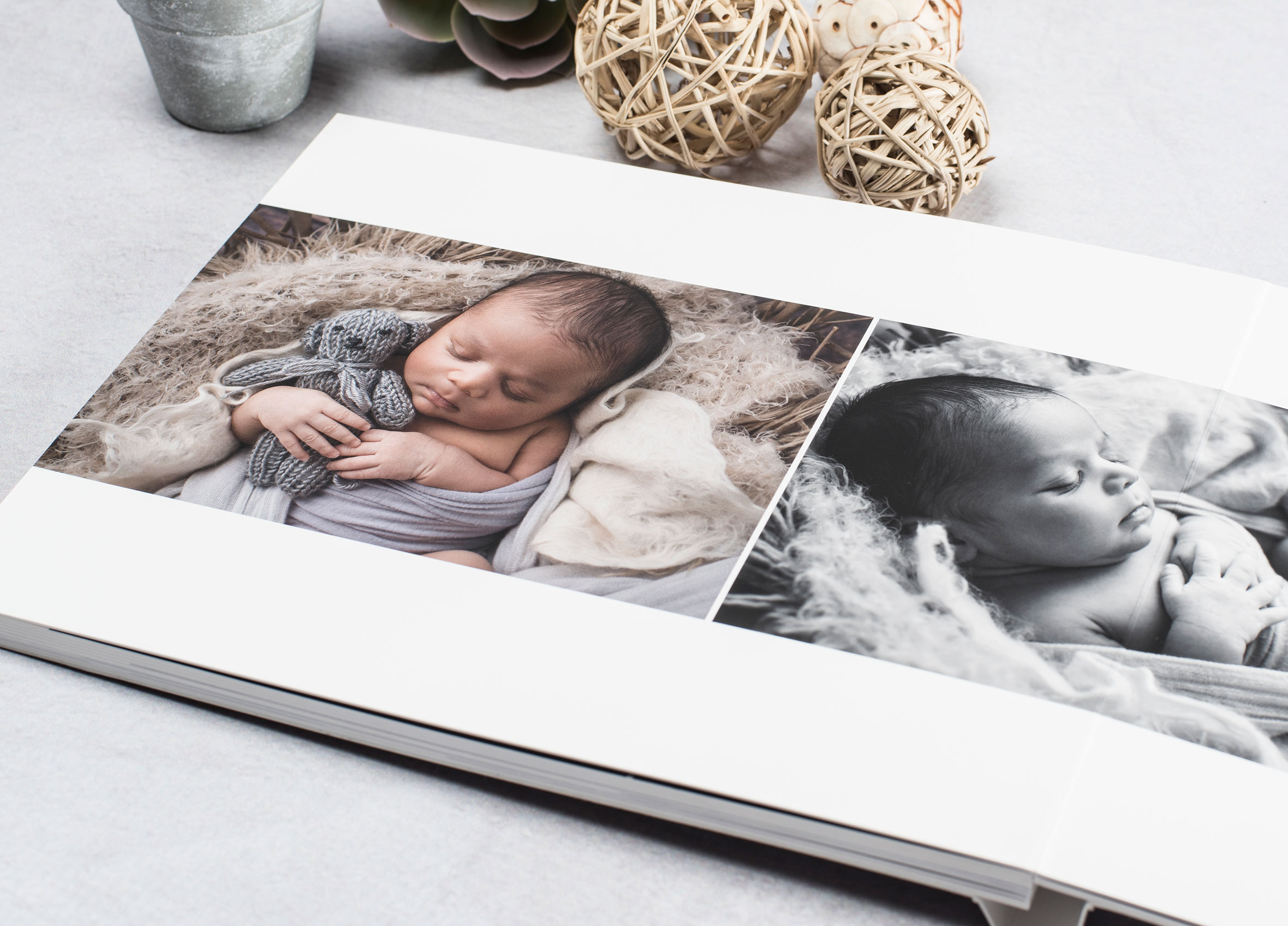
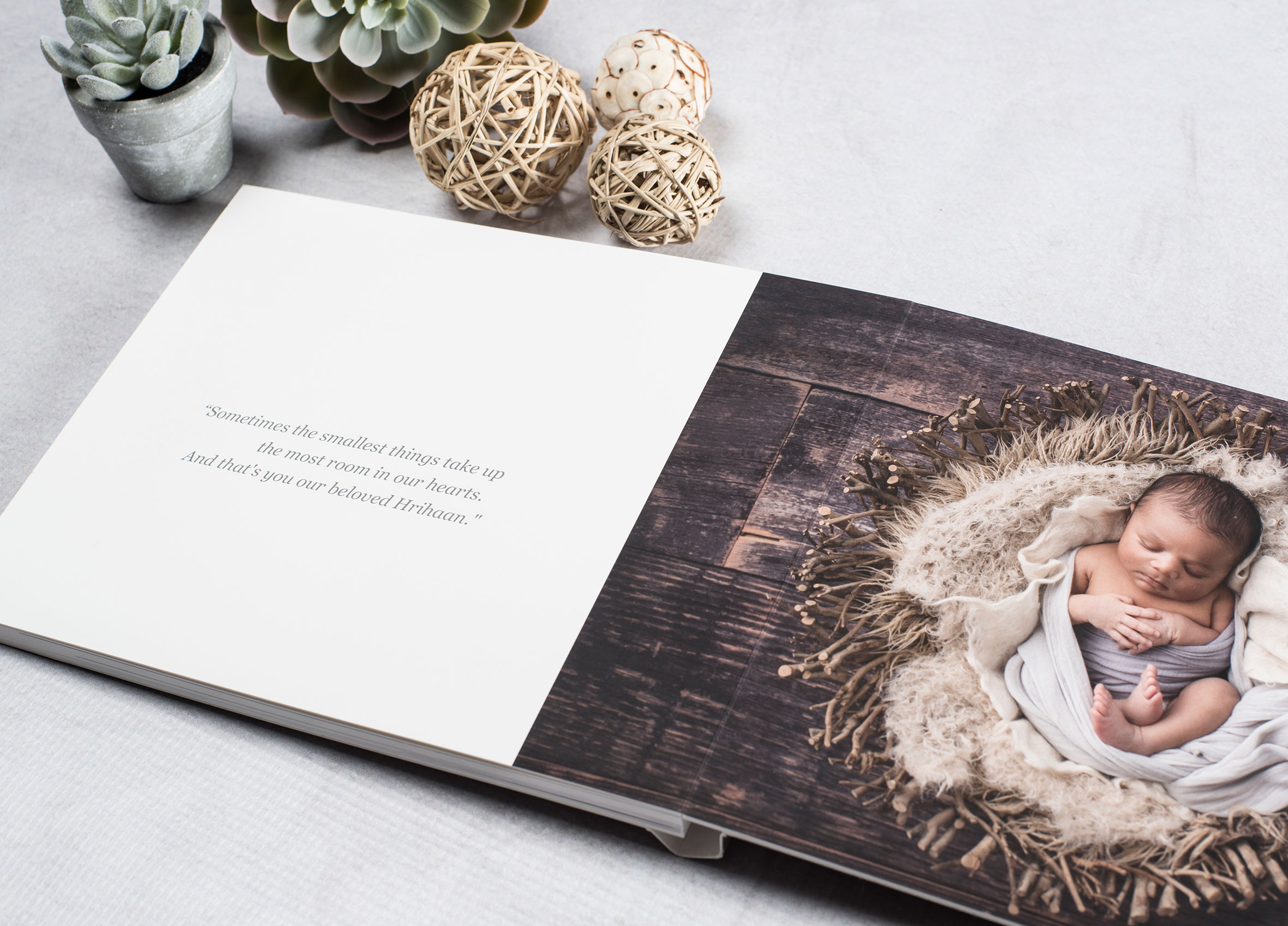
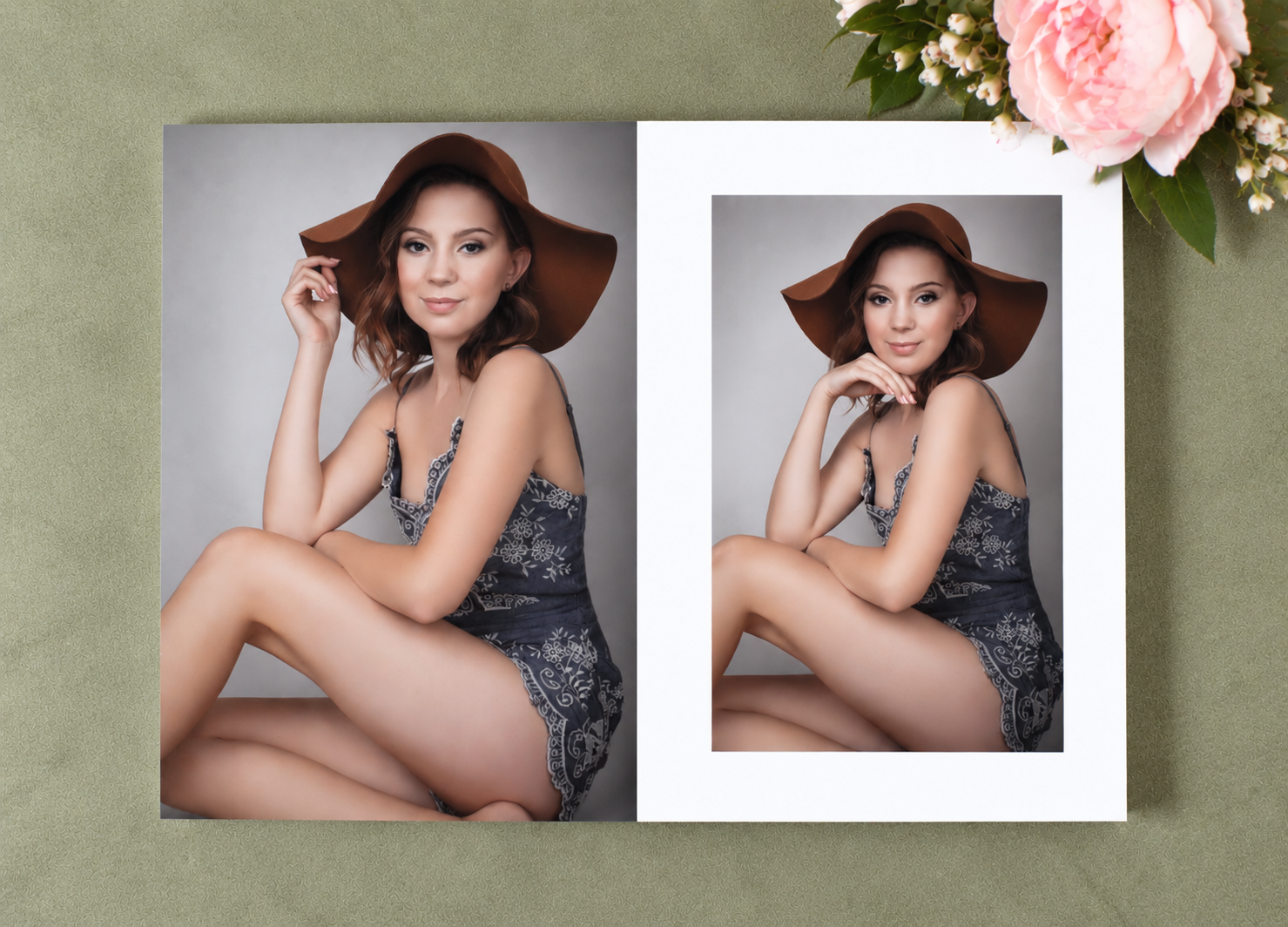
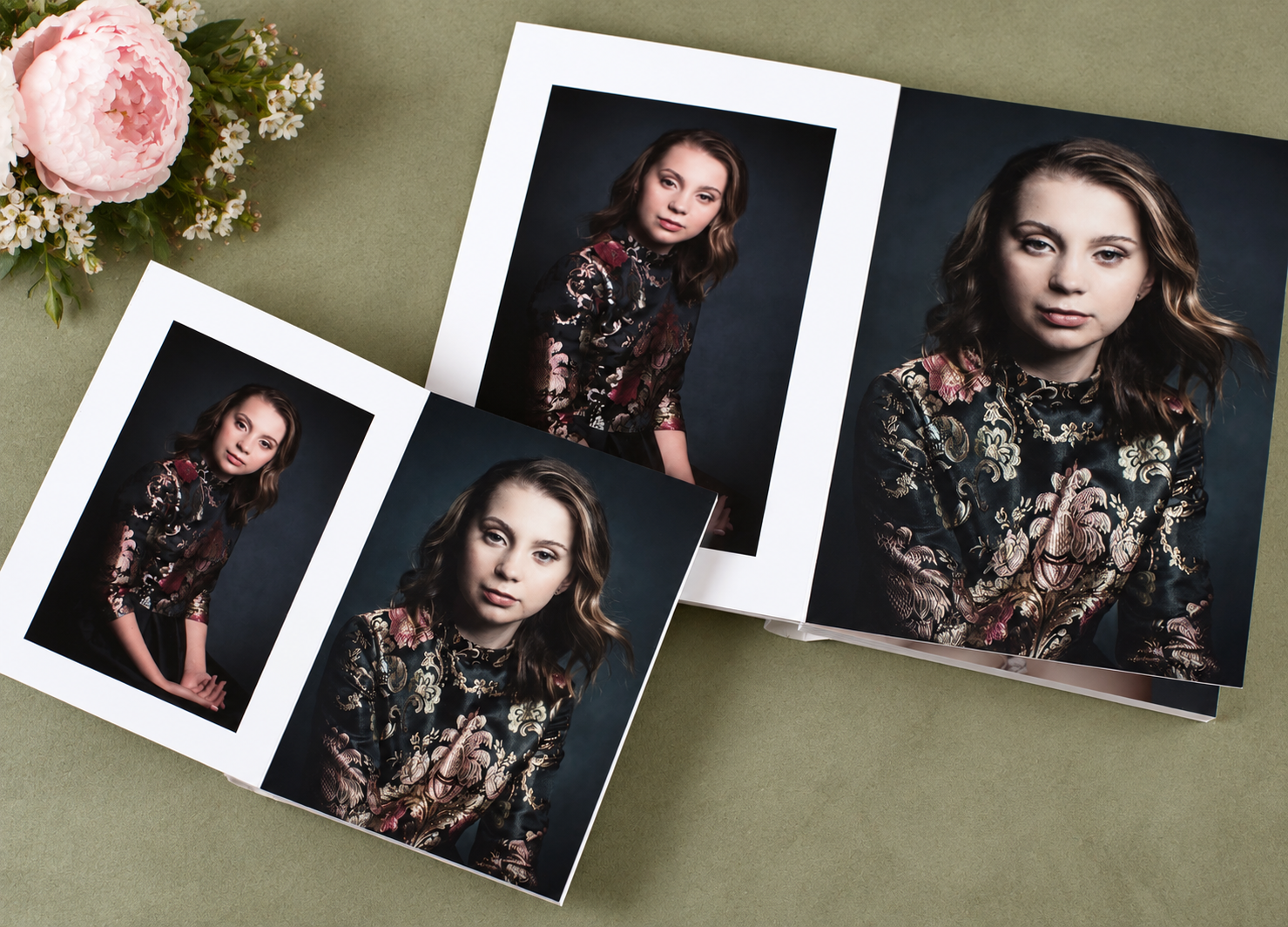
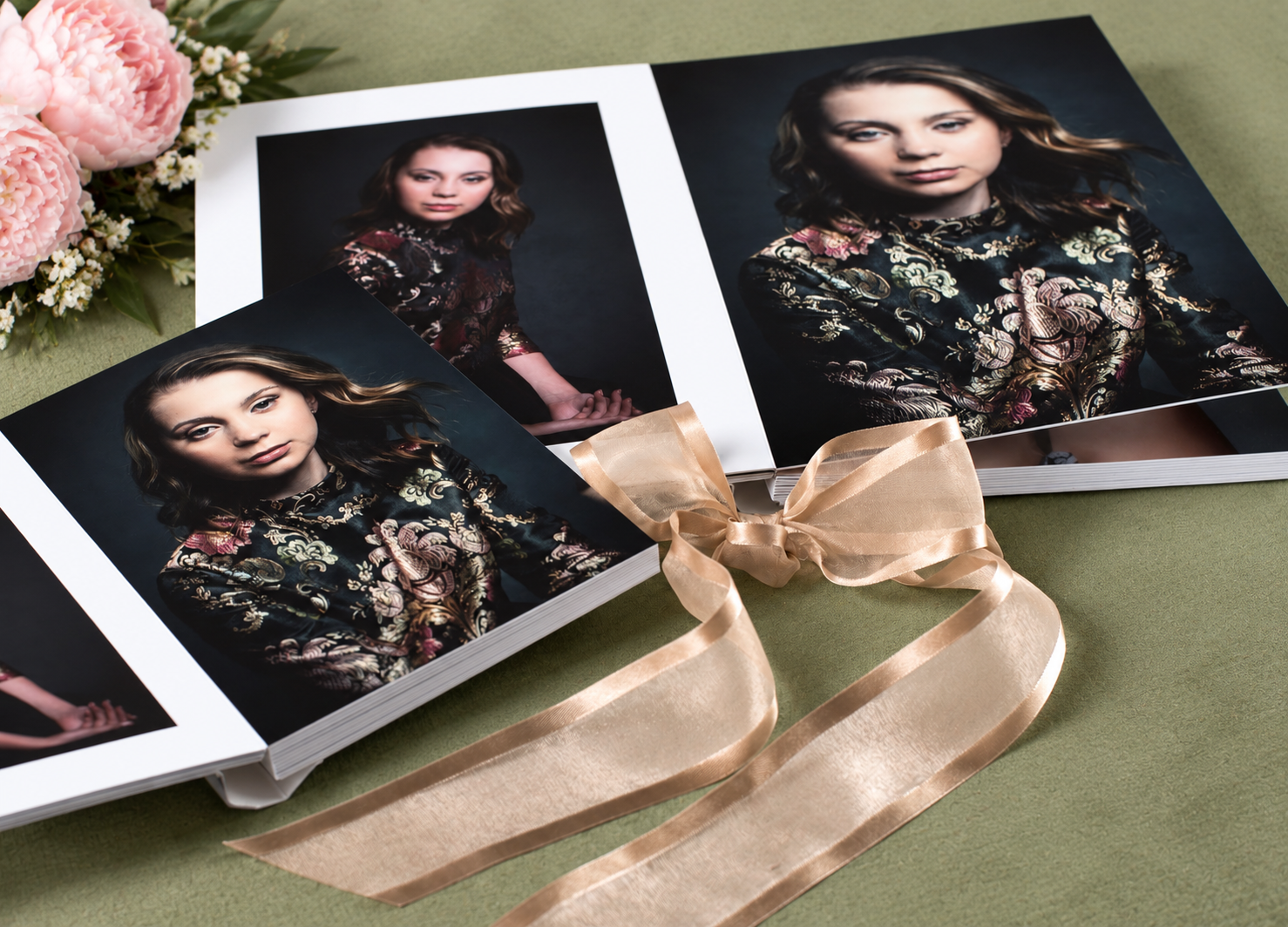
- About
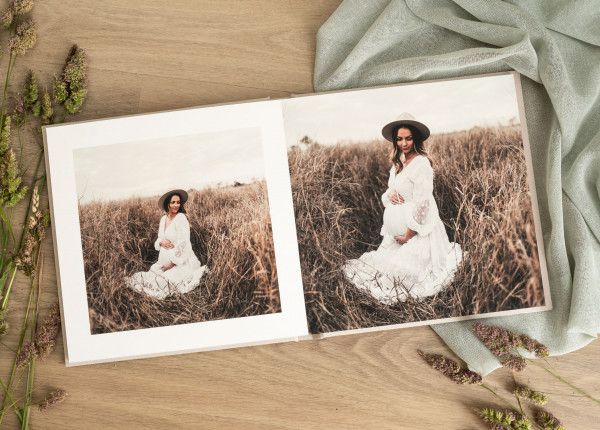
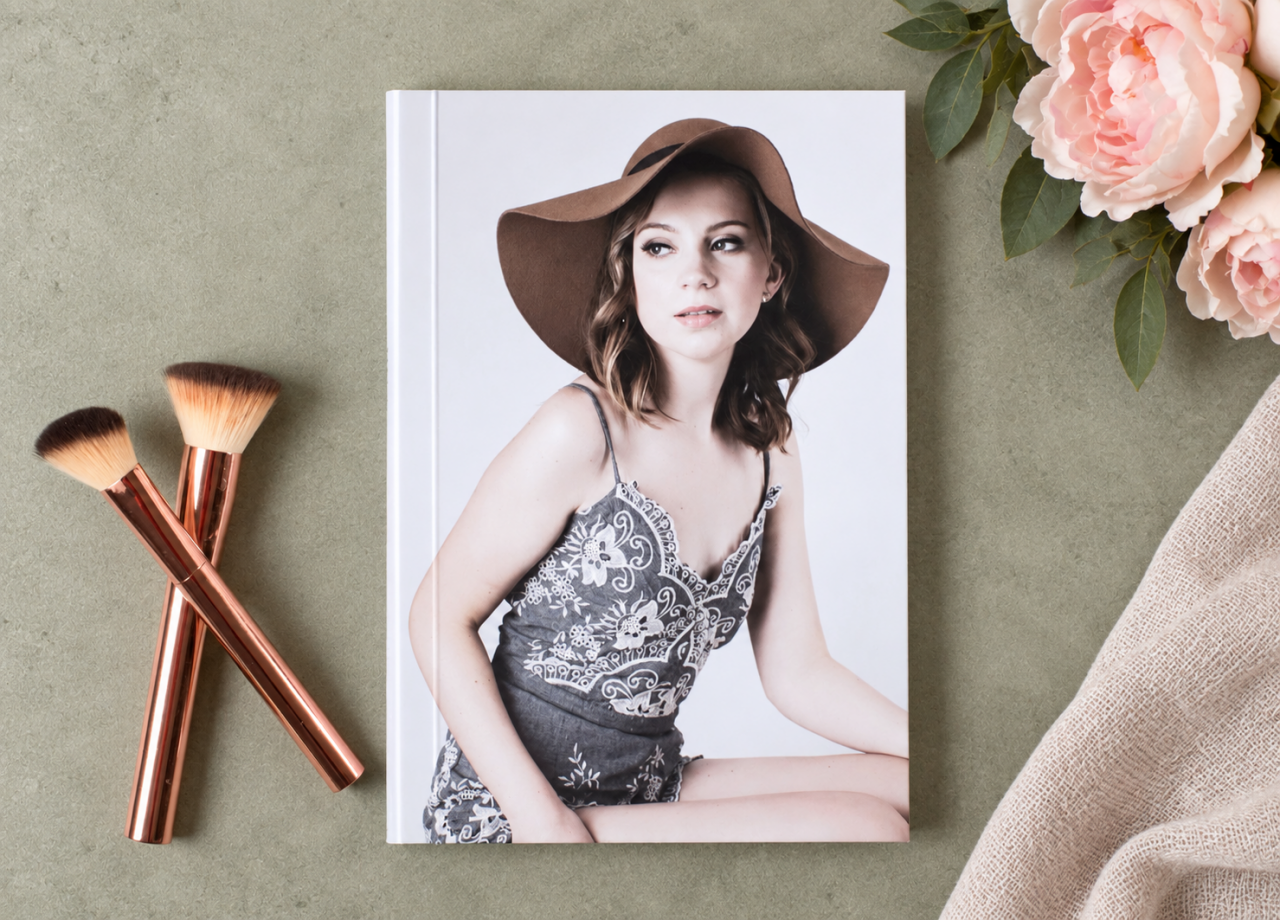
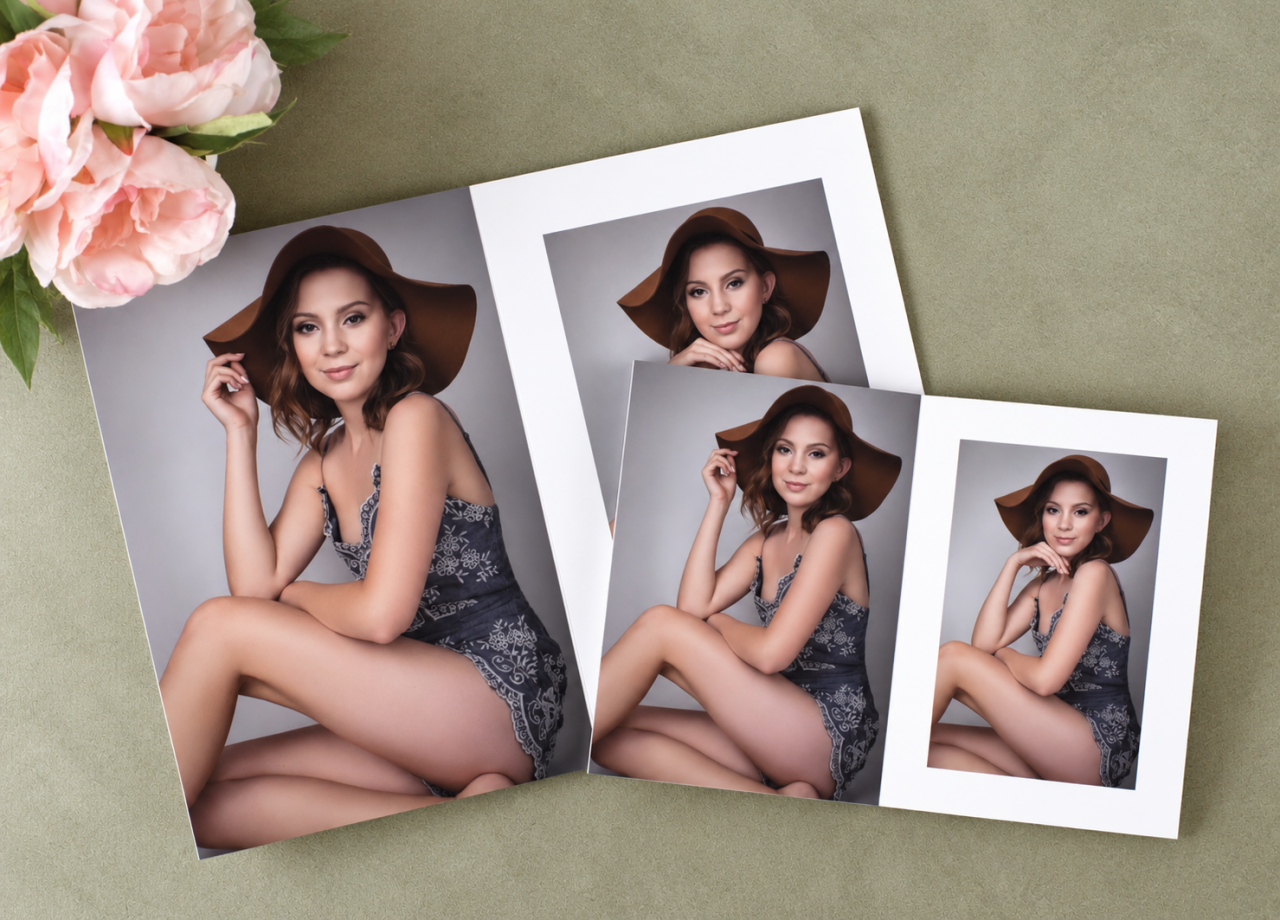
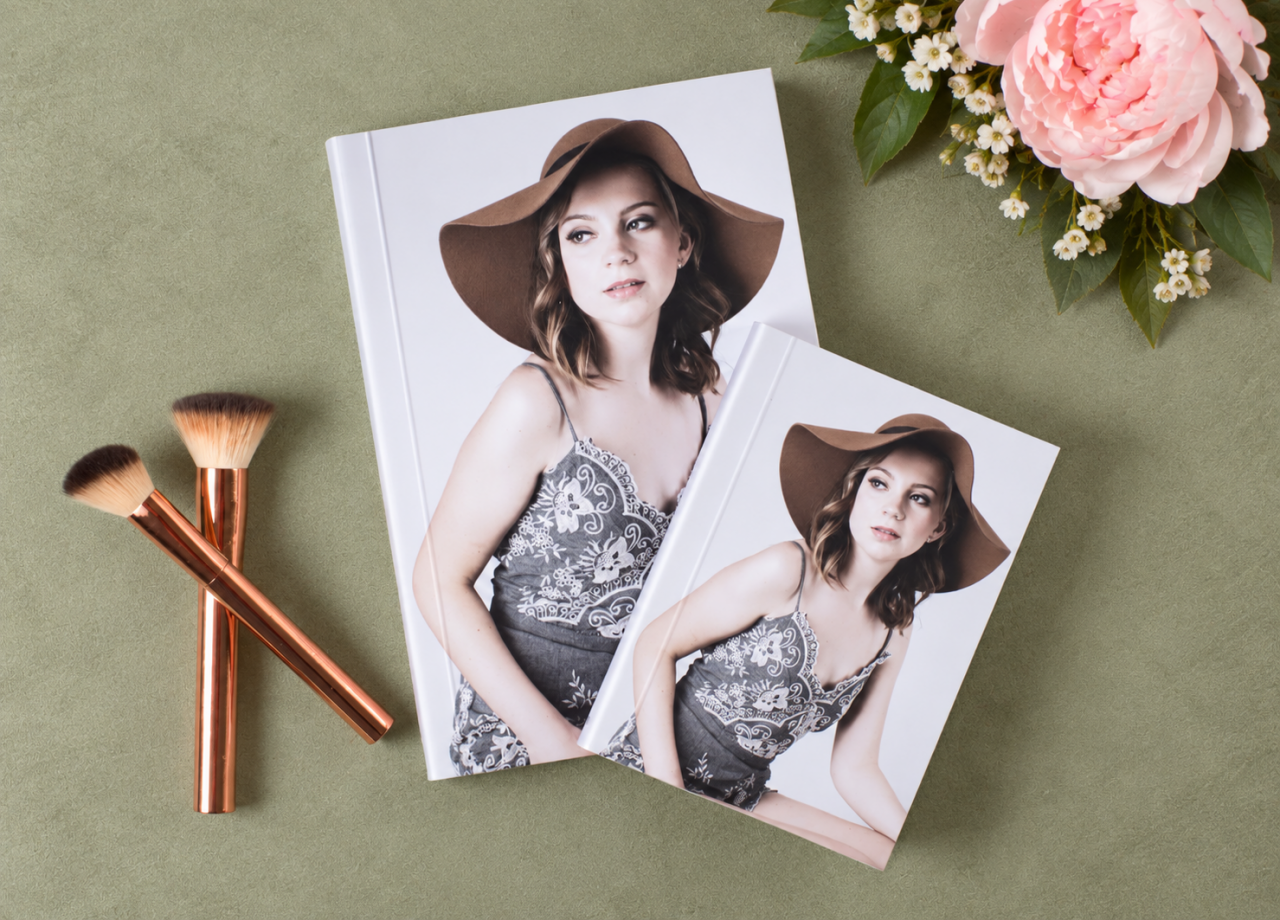
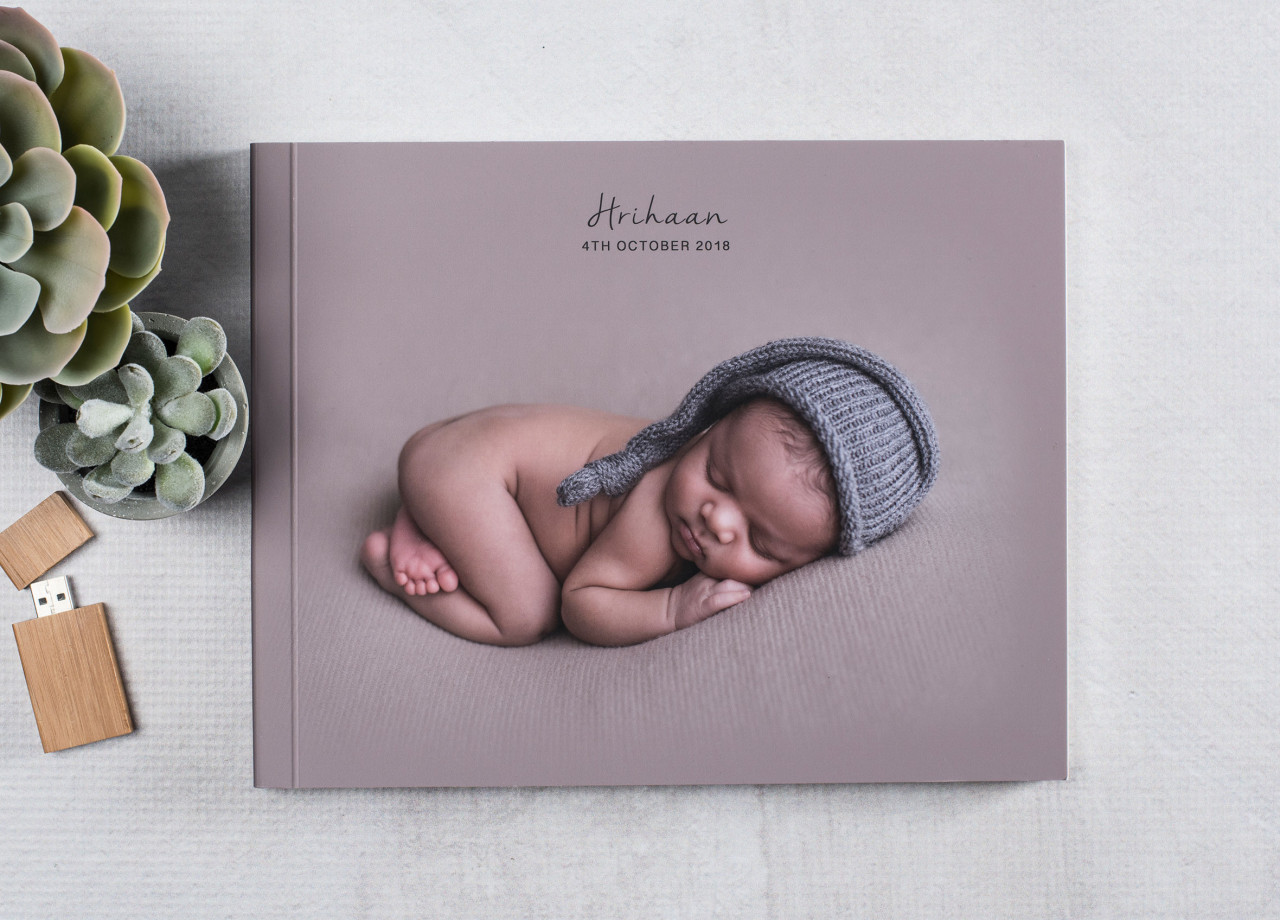
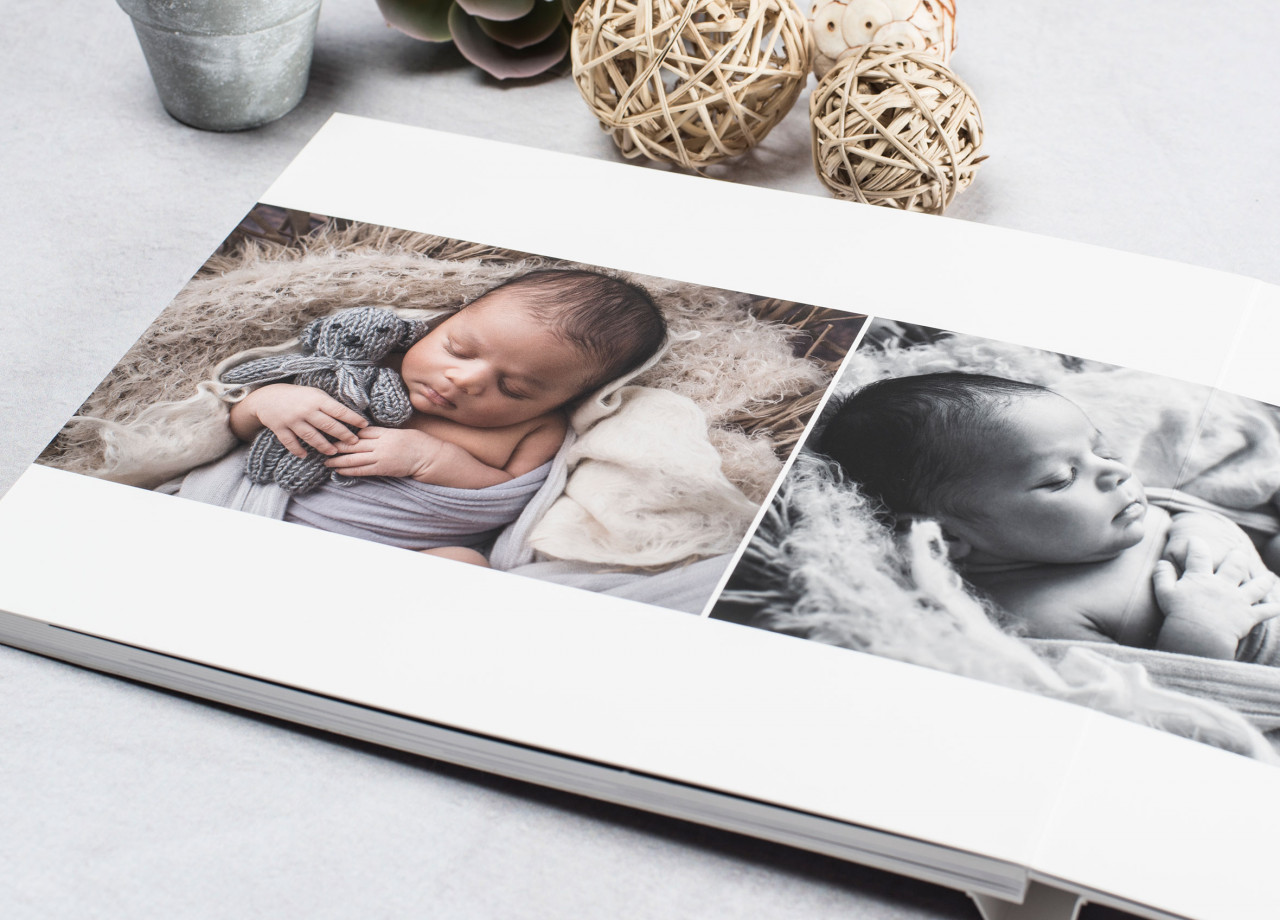
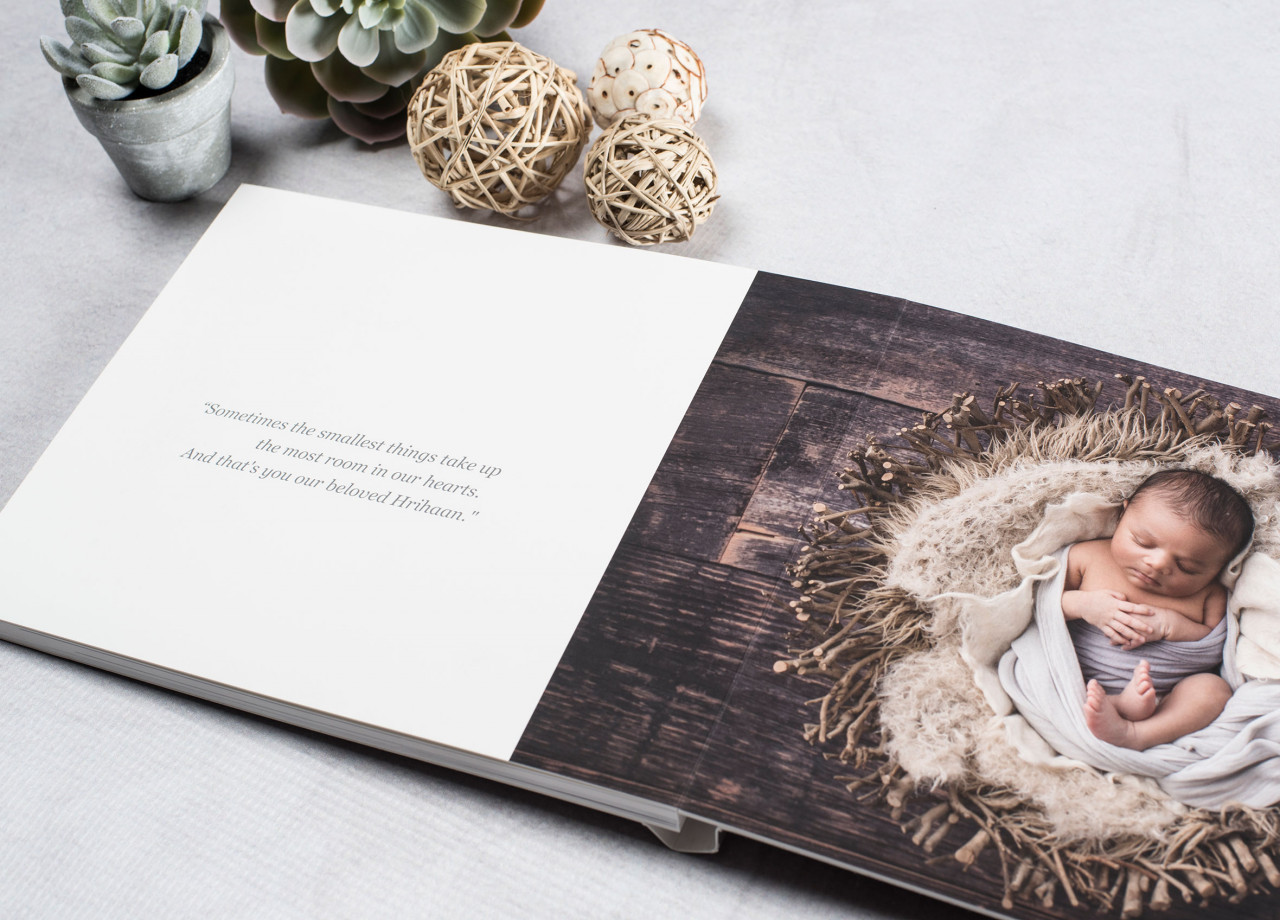
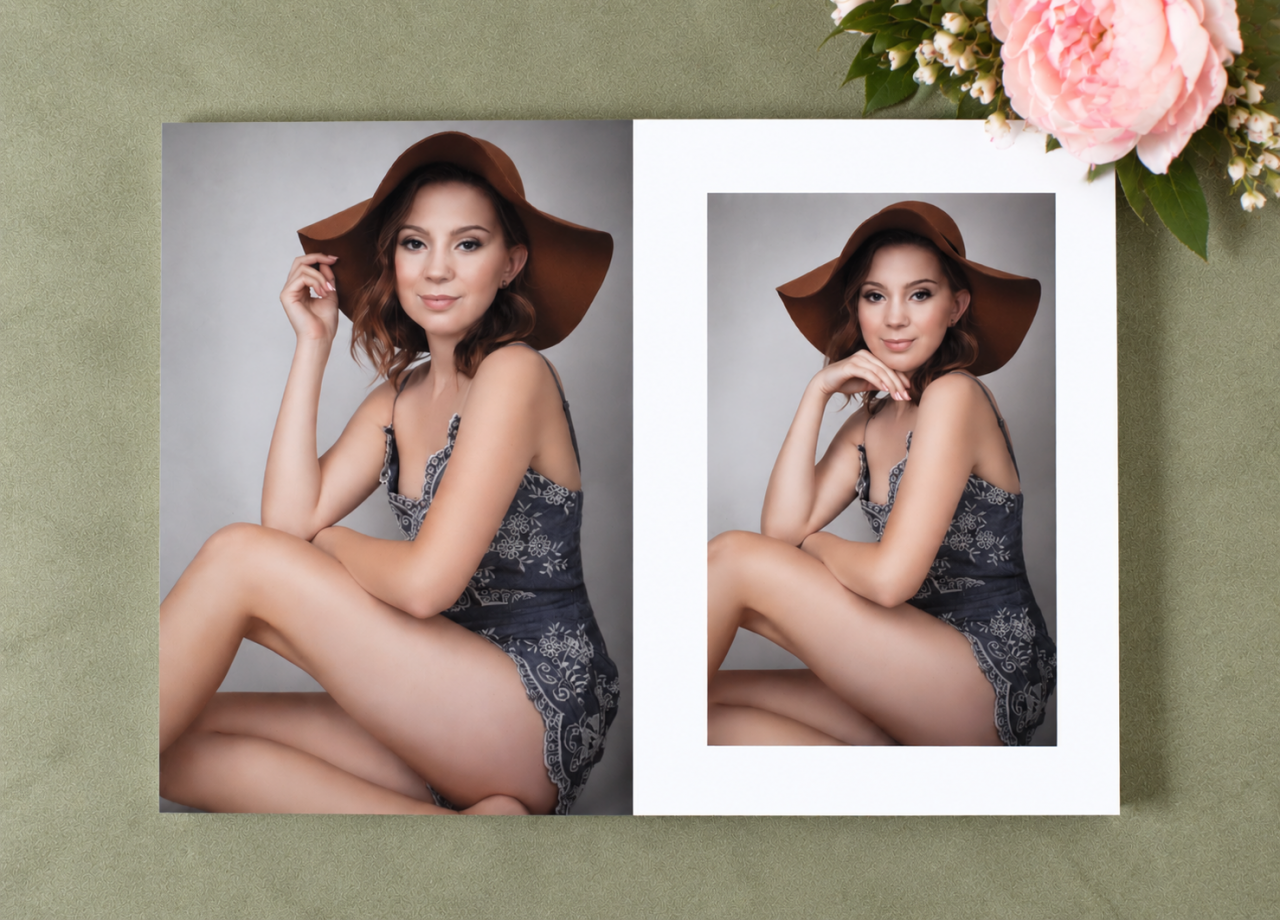
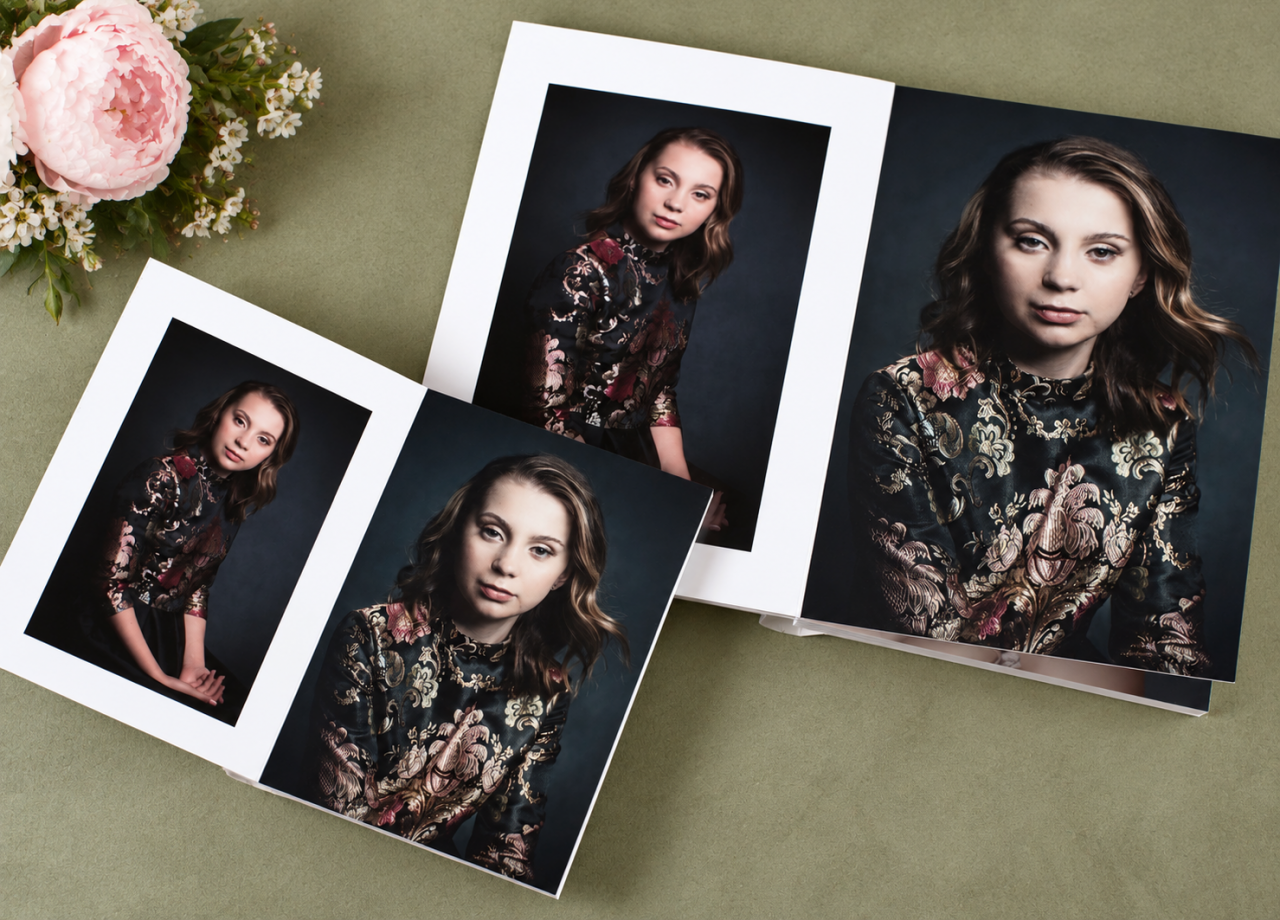
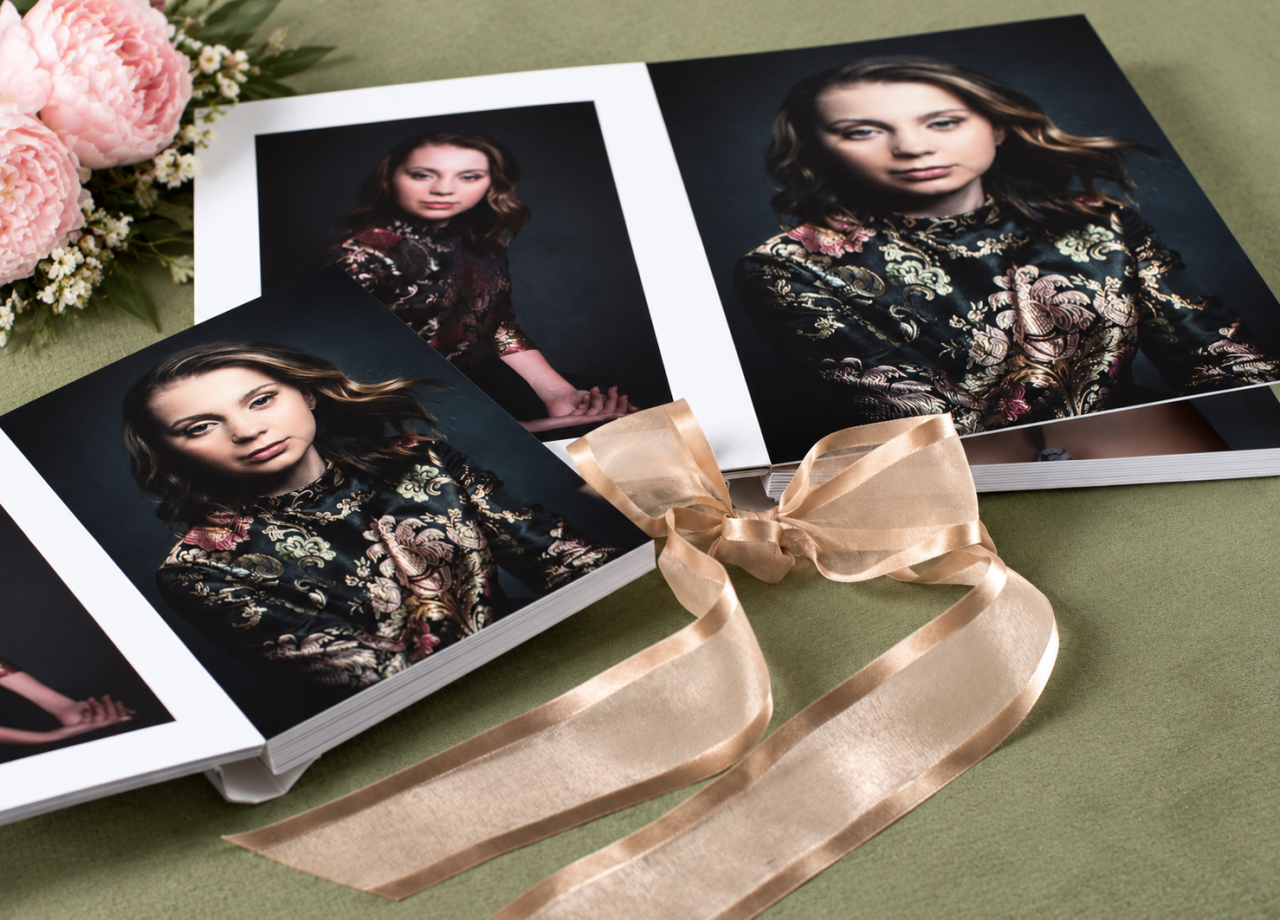
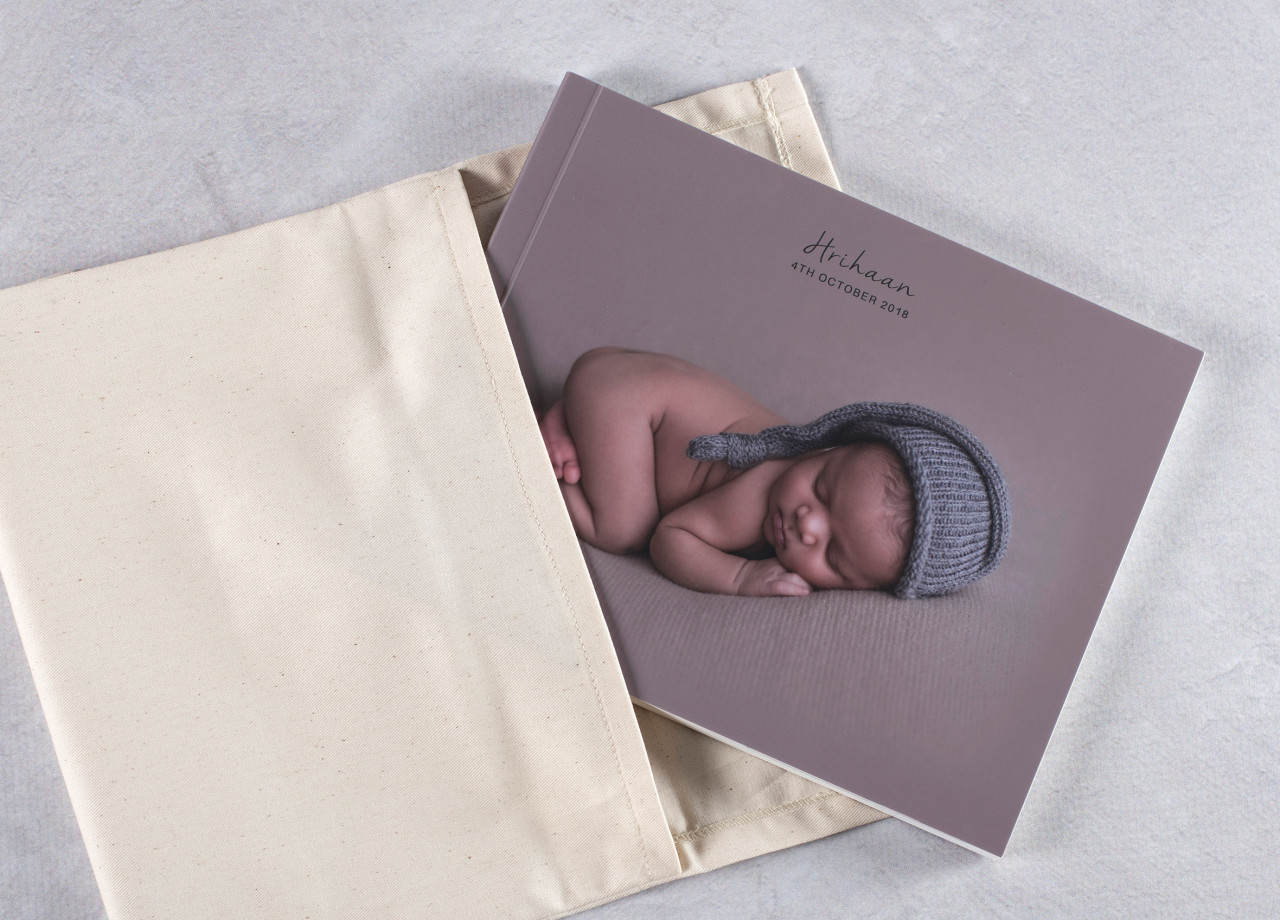
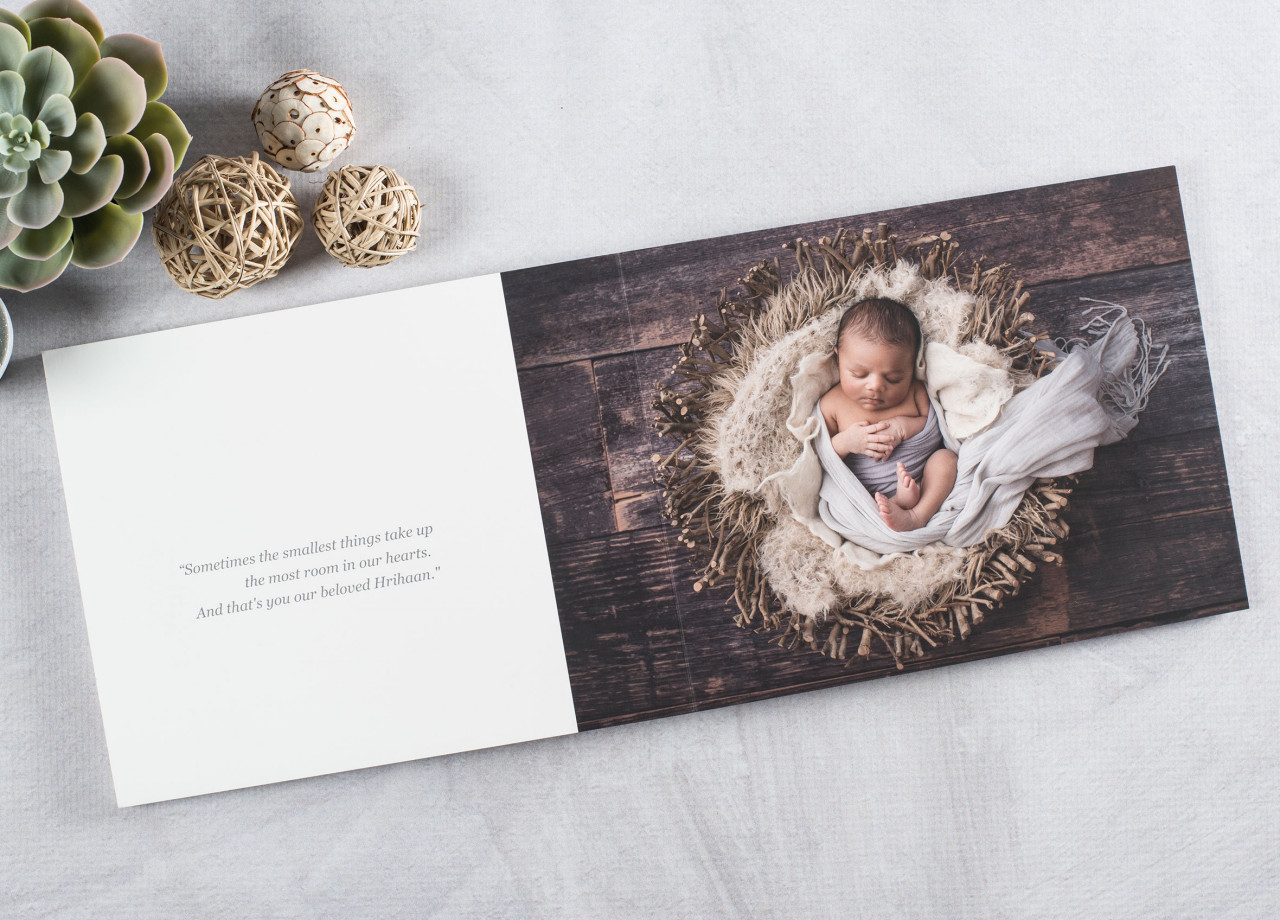
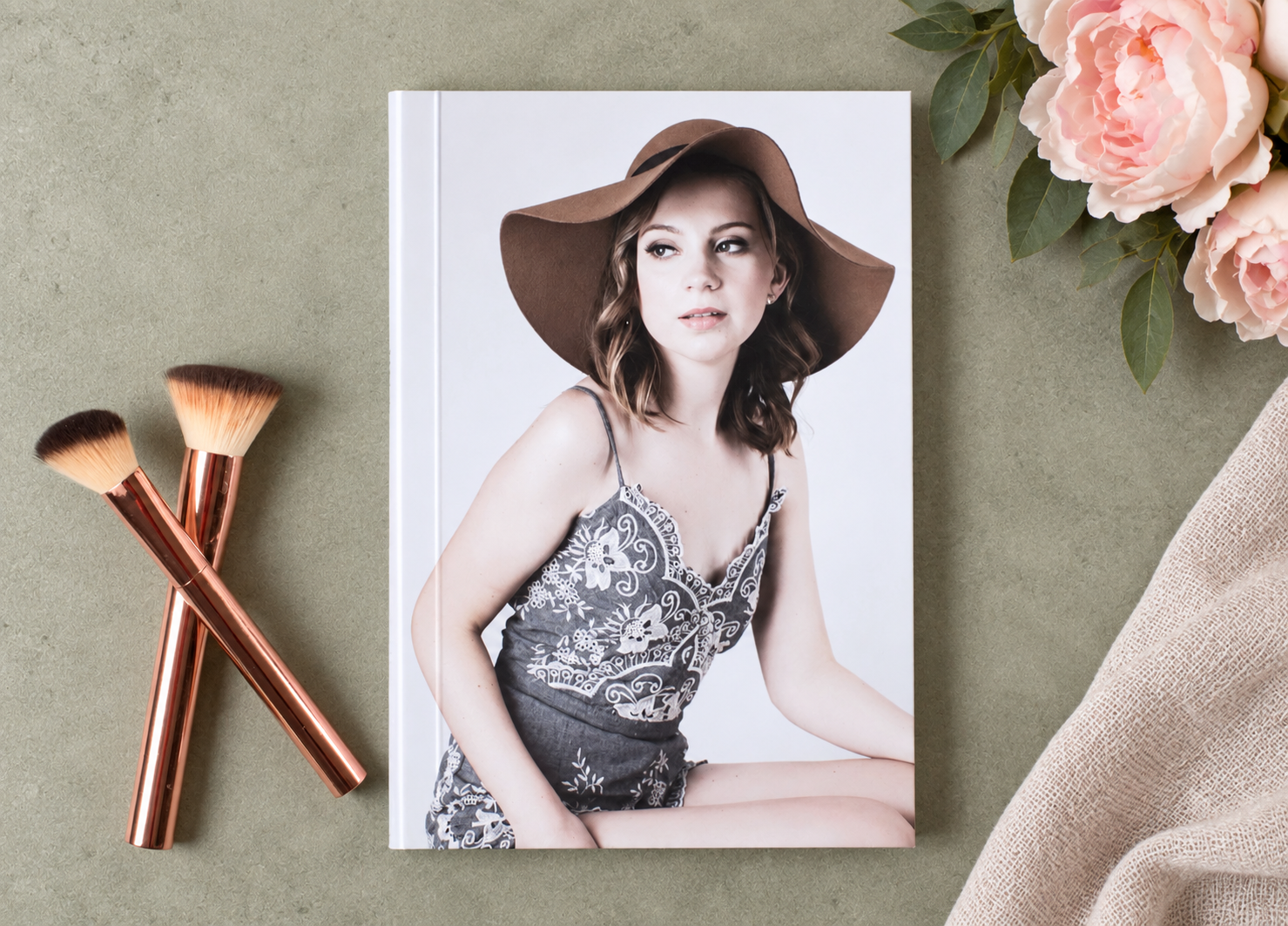
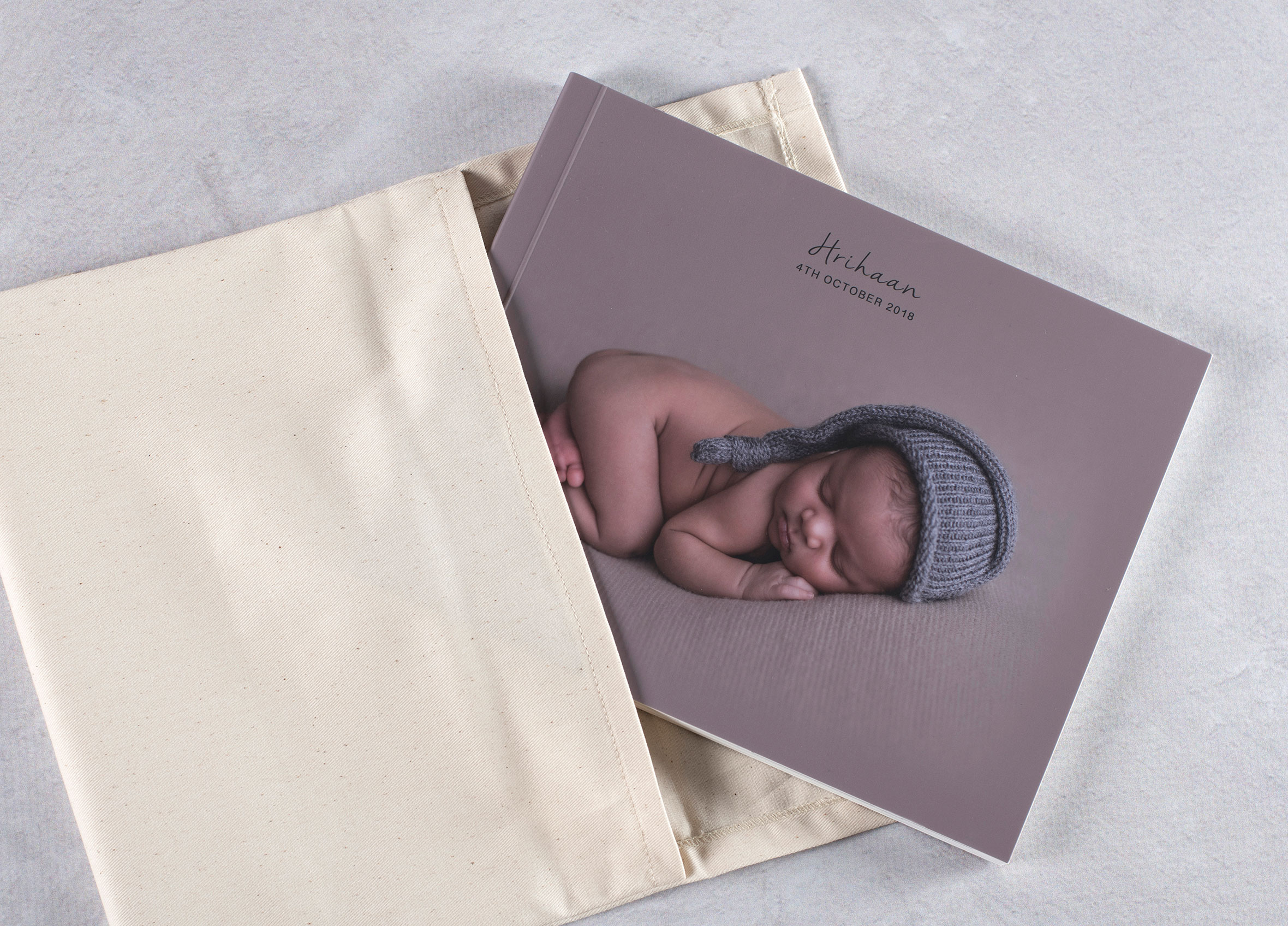
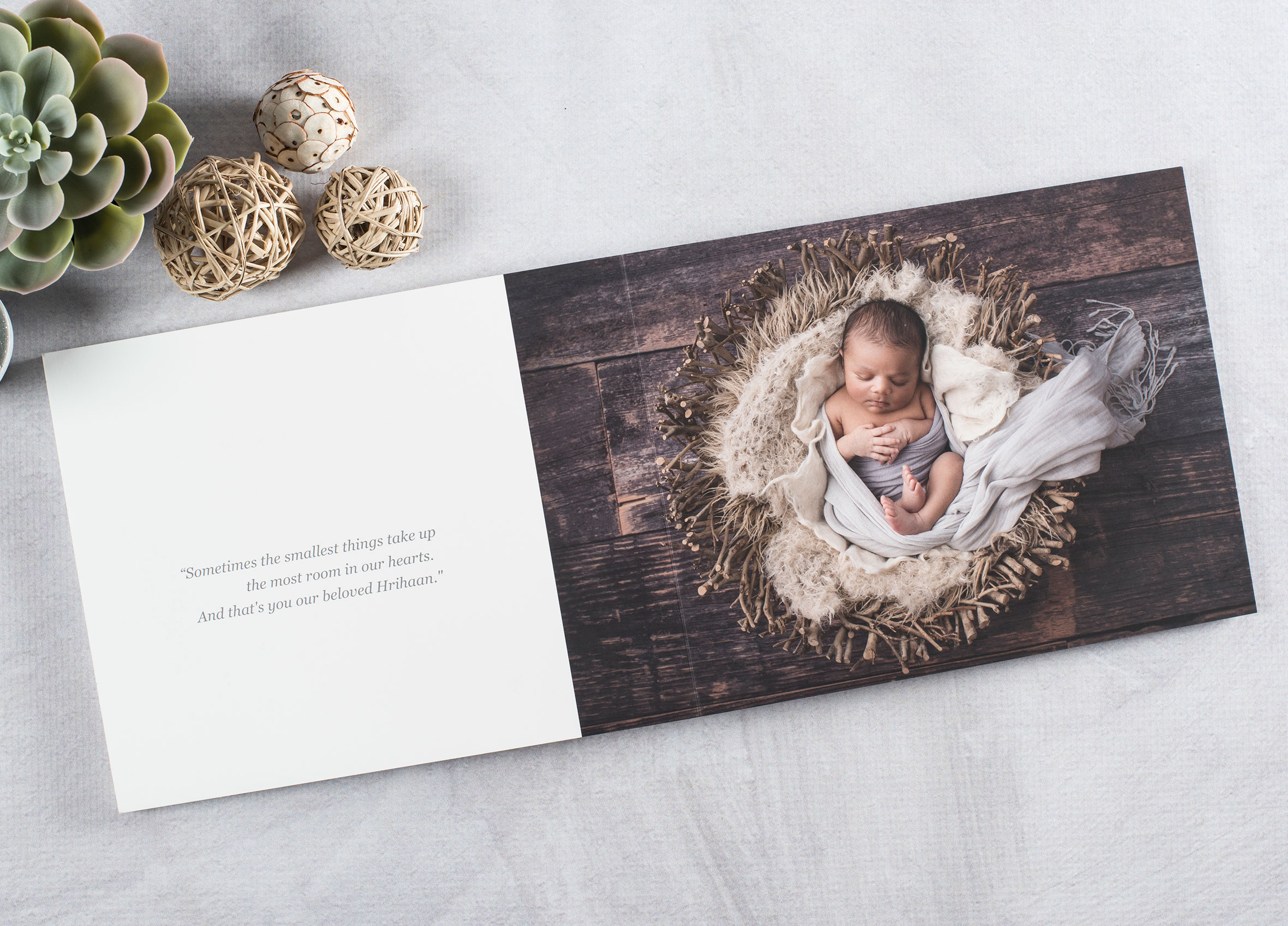
- Affordable layflat album with a personalised image cover
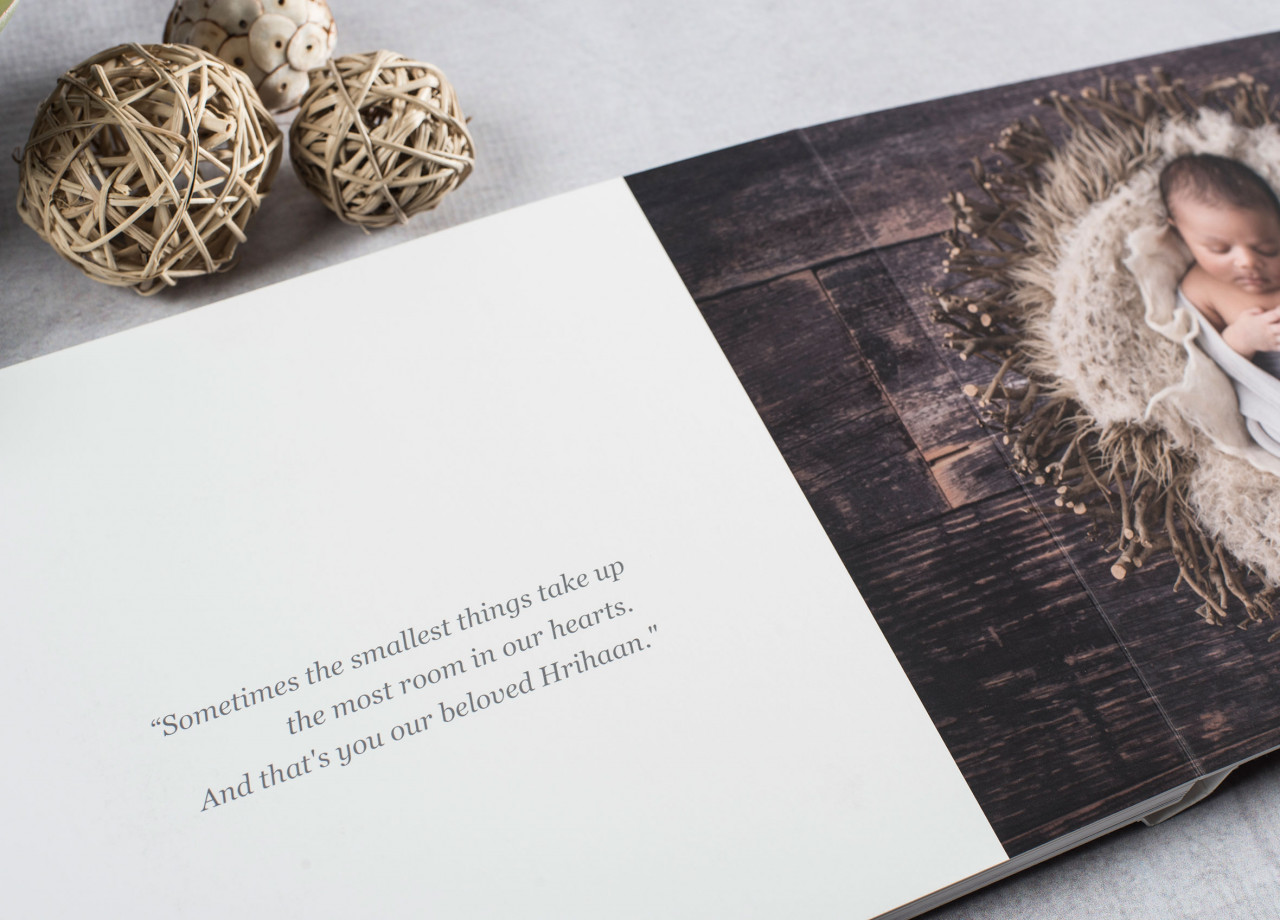
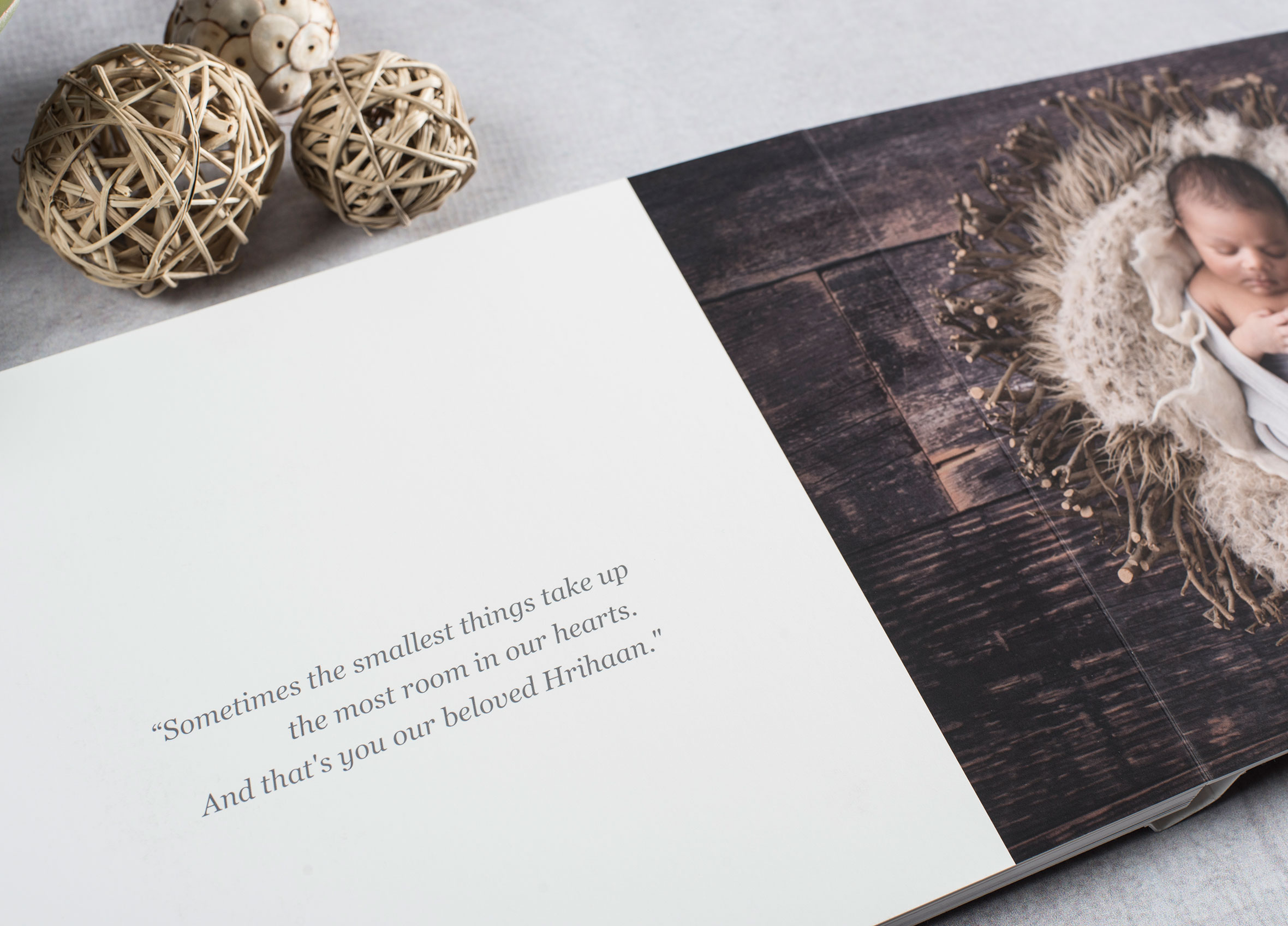
- Printed on Seldex Signature Fine Art Matte paper - Ivory or White (new)
- Personalised image cover finished with a protective laminate coating
- Includes 6 double page spreads
- Add additional double page spreads to create a larger album
- Maximum of 20 double page spreads
- Packaging available separately
- Allow approximately 10–15 business days for production
FREE ALBUM DESIGN SOFTWARE
Design your album with Seldex Design Solution (SDS) – our FREE album design software created specifically for Seldex products.
Start with a blank design and create your album completely your way, or use our built-in layouts to make designing faster and easier. SDS gives you the flexibility to customise your pages, arrange your images and prepare your album files ready for production.
Learn more about SDS (Seldex Design Solution)
New to Seldex? We highly recommend ordering your free test prints so you can check colour and print quality before placing your album order.
Looking to create a sample for your studio? Click the STUDIO SAMPLE tab above for information on our discounted studio sample albums.
- Album Design
Creating your Seldex album is now easier than ever with Seldex Design Solution (SDS) – our FREE album design software.
SDS gives you complete creative freedom to design your album your way. Design your spreads from scratch or use one of our ready-made templates to get started quickly. Easily add and arrange your images, customise your layouts and create everything from clean, simple spreads to completely bespoke designs.
With Seldex album sizes built into SDS, your layouts are set up to the correct dimensions and can be exported ready for production.
Learn more about SDS and getting started
New to printing with Seldex?If you haven't printed with Seldex before, we highly recommend ordering free test prints before placing your first album order. This allows you to check how your images reproduce on our papers and ensure you're happy with the colour and print quality before your album goes into production.
Prefer another design option?You don't have to use SDS to create your album. You can also use our professional album design service and let our team design the album for you, or prepare your layouts using other album design software.
For more information about our album design service and other design software options, visit our Album Design page.
Supplying your own album files?If you're not using SDS and are preparing your album files using other software, please follow the information below to ensure your files are set up correctly for printing.
File preparation
Before uploading your files, please read the album section on our File Preparation page. This contains important information on correctly preparing your album files for printing.
File upload specifications
Please supply your finished album files to the following specifications:
Files: Double-page spreads
File format: JPEG
Colour space: Adobe RGB (1998) or sRGB
Resolution: 300 dpiIMPORTANT – File naming
Your album layouts must be named in the correct sequence to ensure they are mounted in the correct order.
Please number your spreads sequentially, for example: 001, 002, 003, 004.
Most album design programs will export your files with the correct file names, but we recommend checking them before uploading.
Please do not add additional characters or symbols to your file names.
- Options
PAGES
- Includes 6 double page spreads
- Add additional double page spreads to create a larger album
- Maximum of 20 double page spreads
PACKAGING
- Black presentation box
- Black Lite Book bag
- Natural Lite Book bag
STUDIO LOGO
Your studio logo can be incorporated into the album design on one of the double page spreads.
- Templates
LITE BOOK COVER TEMPLATES
If you're designing your Lite Book in Seldex Design Solution (SDS), you can design your personalised cover directly in SDS – there's no need to download a separate Photoshop cover template.
If you prefer to design your cover in Photoshop or another album design program, download the appropriate template below.
Download cover templates below:
Please carefully read our Lite Book design guide.pdf before you start designing.
COVER DESIGN GUIDELINES
- Do not end images exactly on the guide lines. Images should either extend beyond the guide lines to the edge or sit inside them with a background colour filling the remaining space.
- Guide lines are approximate, so allow some flexibility when positioning important elements.
- Do not leave blank space around the cover design.
- Keep important images, text and design elements away from the spine and fold areas.
- Anything extending beyond the blue fold lines will be folded over during production.
- Your finished cover file should be colour corrected, print-ready and saved as a 300 dpi JPEG.